Brian Calli Music · Apps
How to play Chord and Scale Crossword
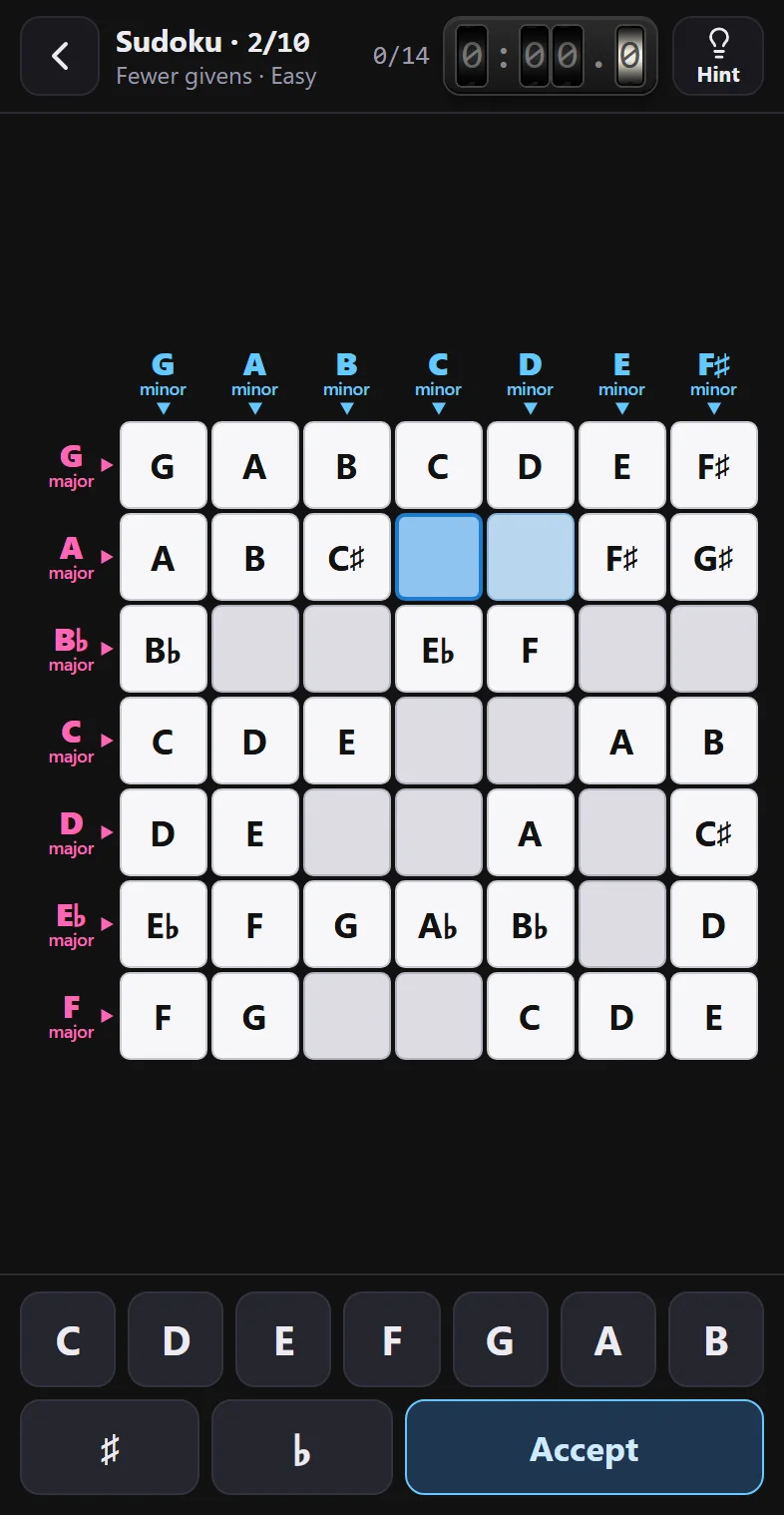
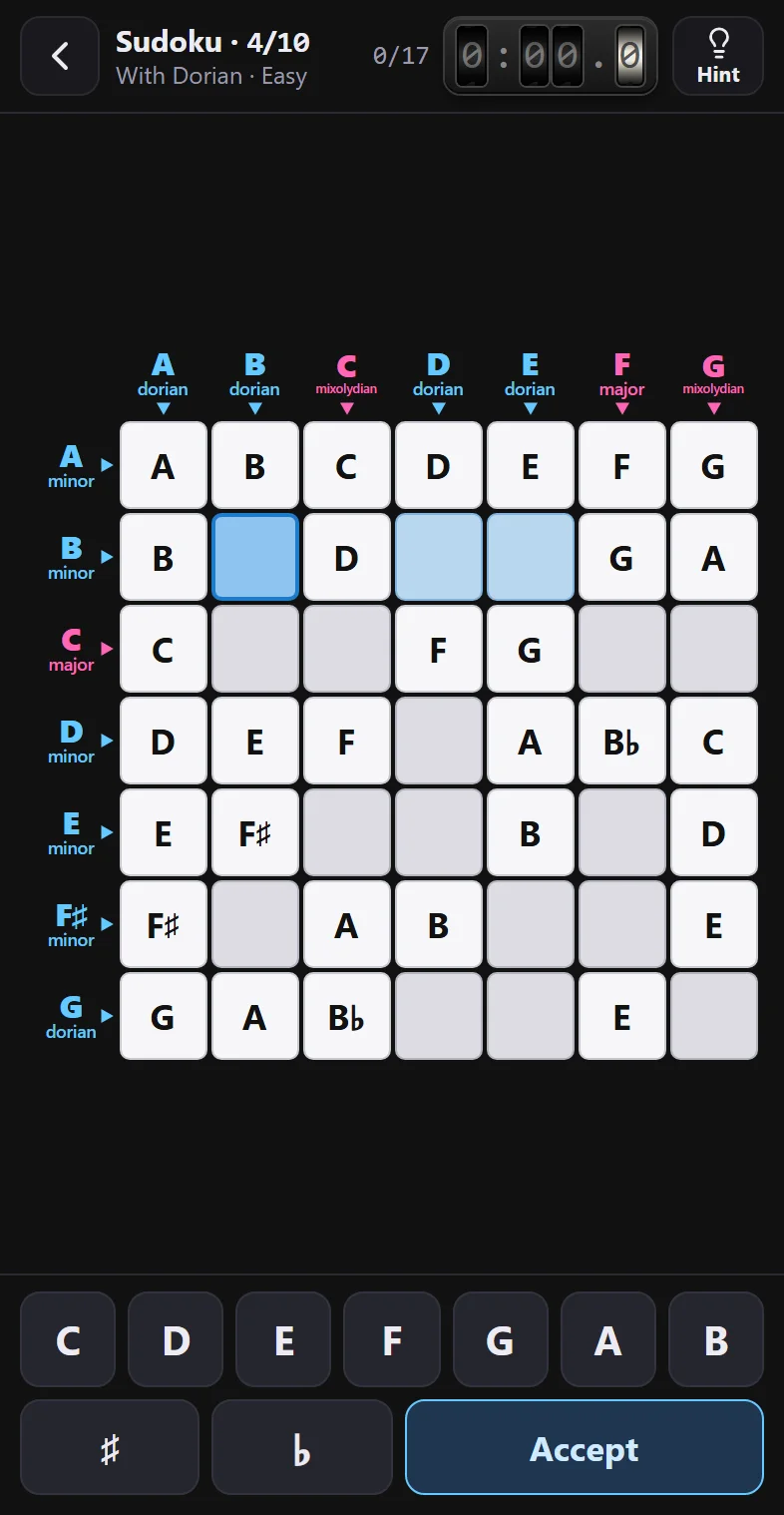
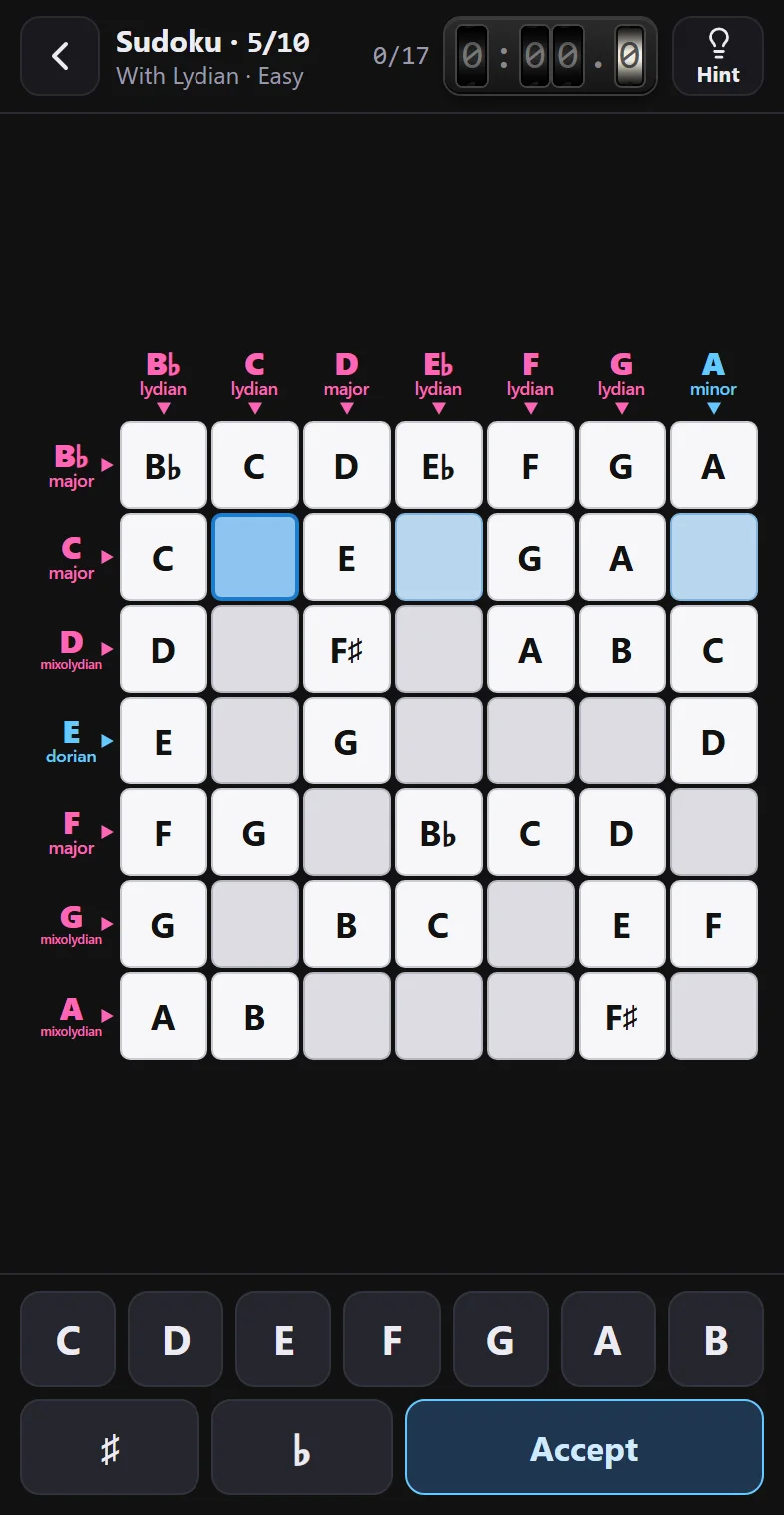
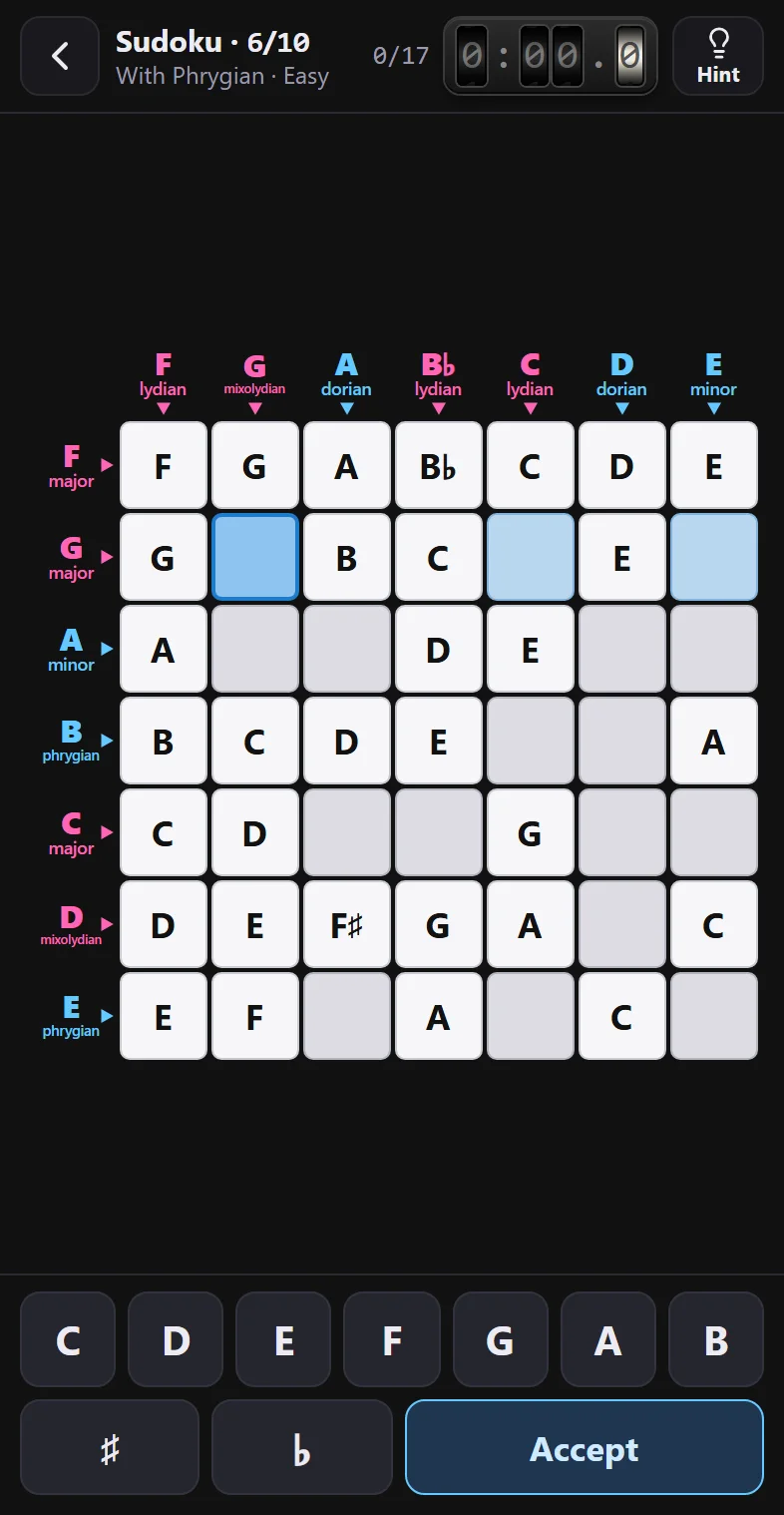
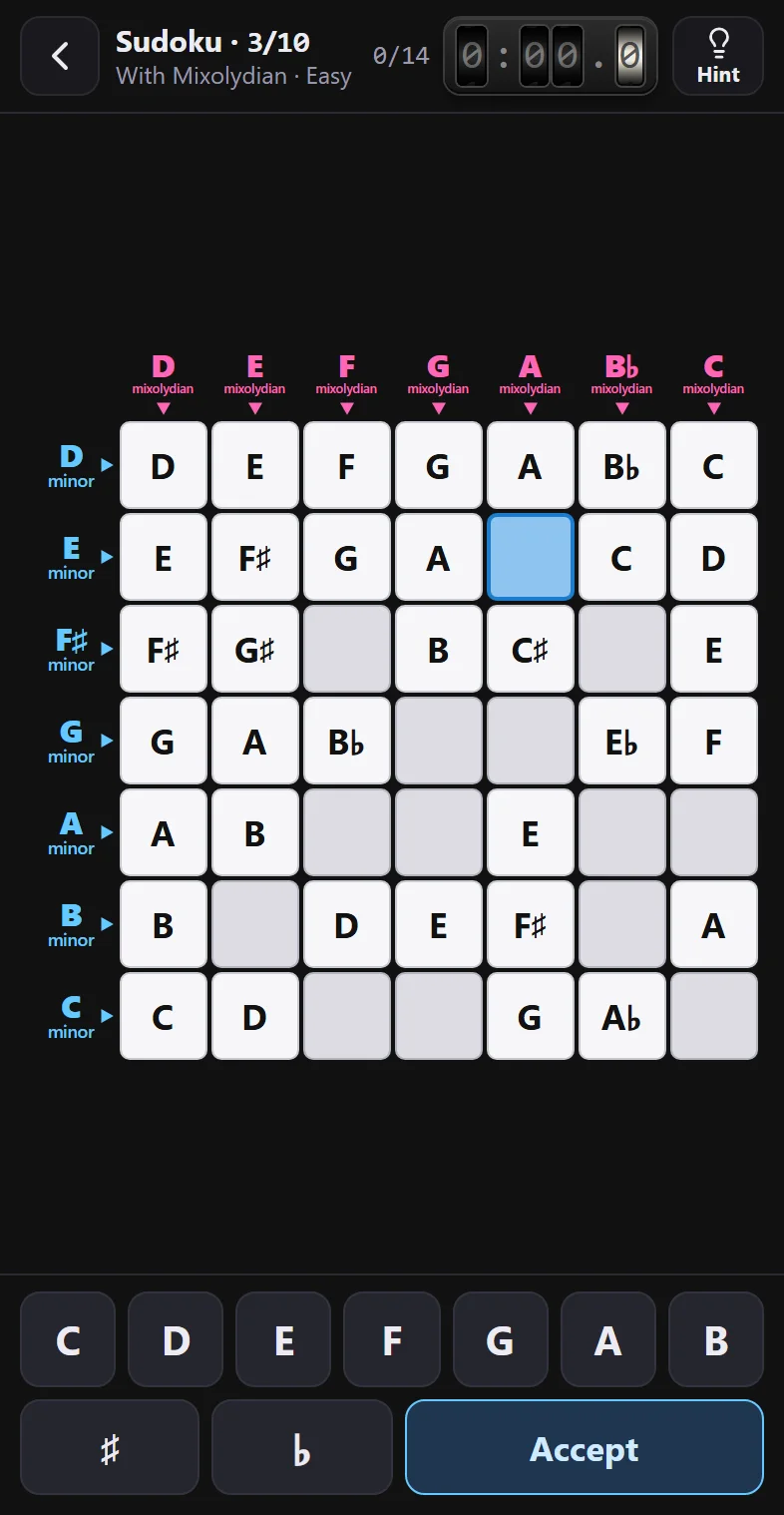
Three games for writing chords and scales note by note: chord crosswords, scale crosswords and a scale sudoku. Ten levels each, from easiest to hardest, in three difficulties and against the clock. Made for your phone: tap a square, type the note and Accept. And if you get stuck, the Hint walks you through any word step by step.
01
First, the settings
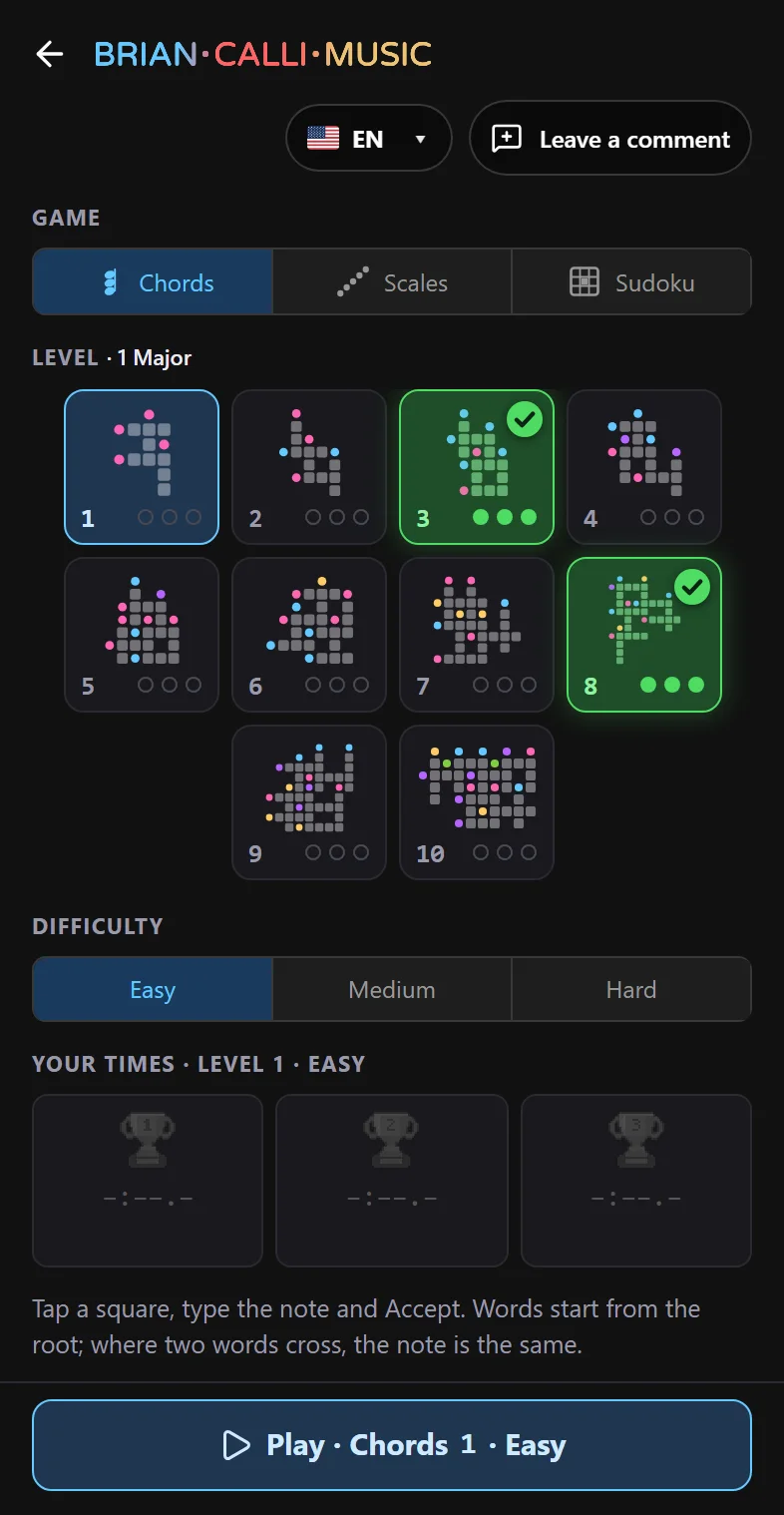
On your phone the app has two screens: here you pick what to play, and Play takes you to the board. Everything fits on the screen, no scrolling. Hover over or tap each line to see it highlighted.
02
The board
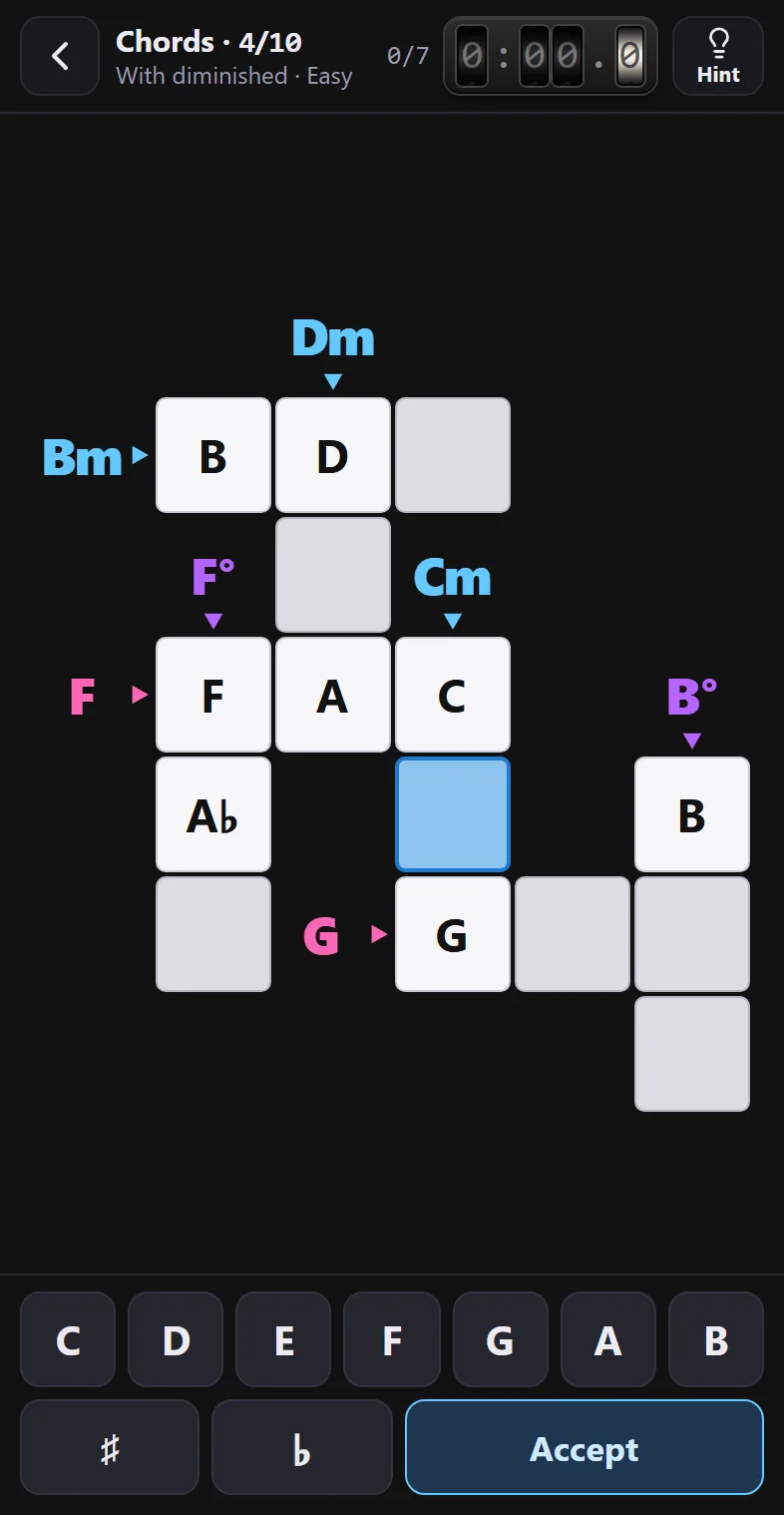
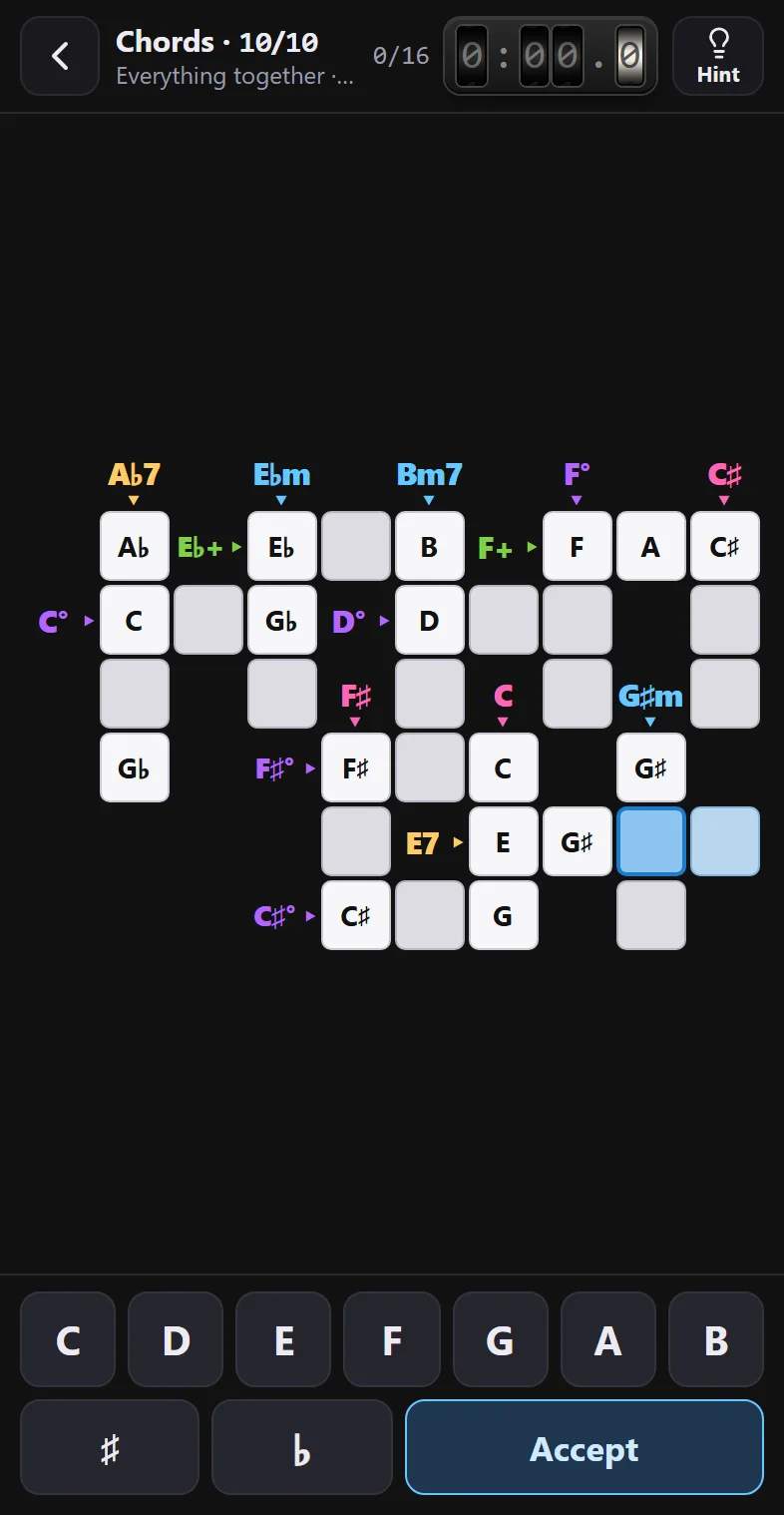
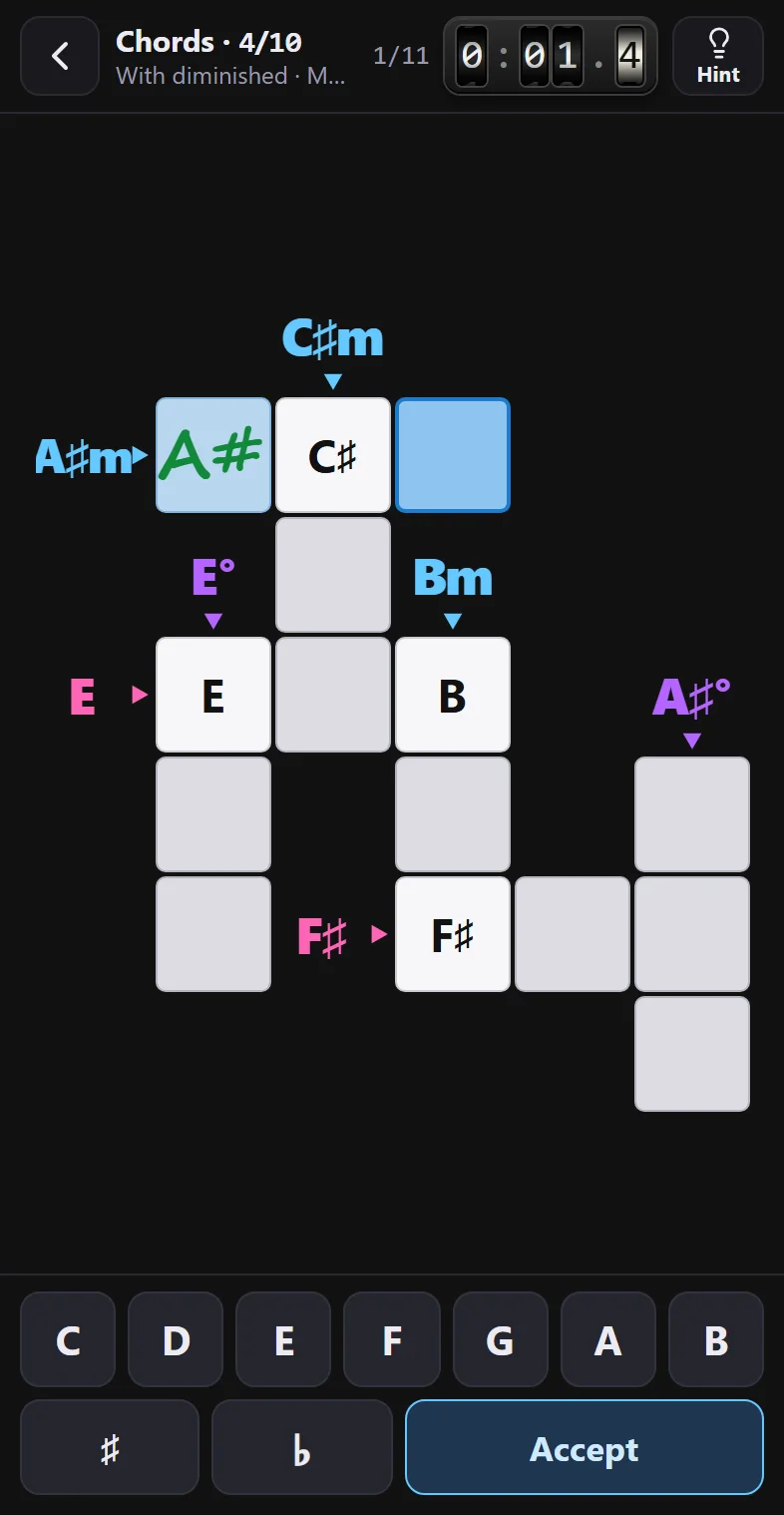
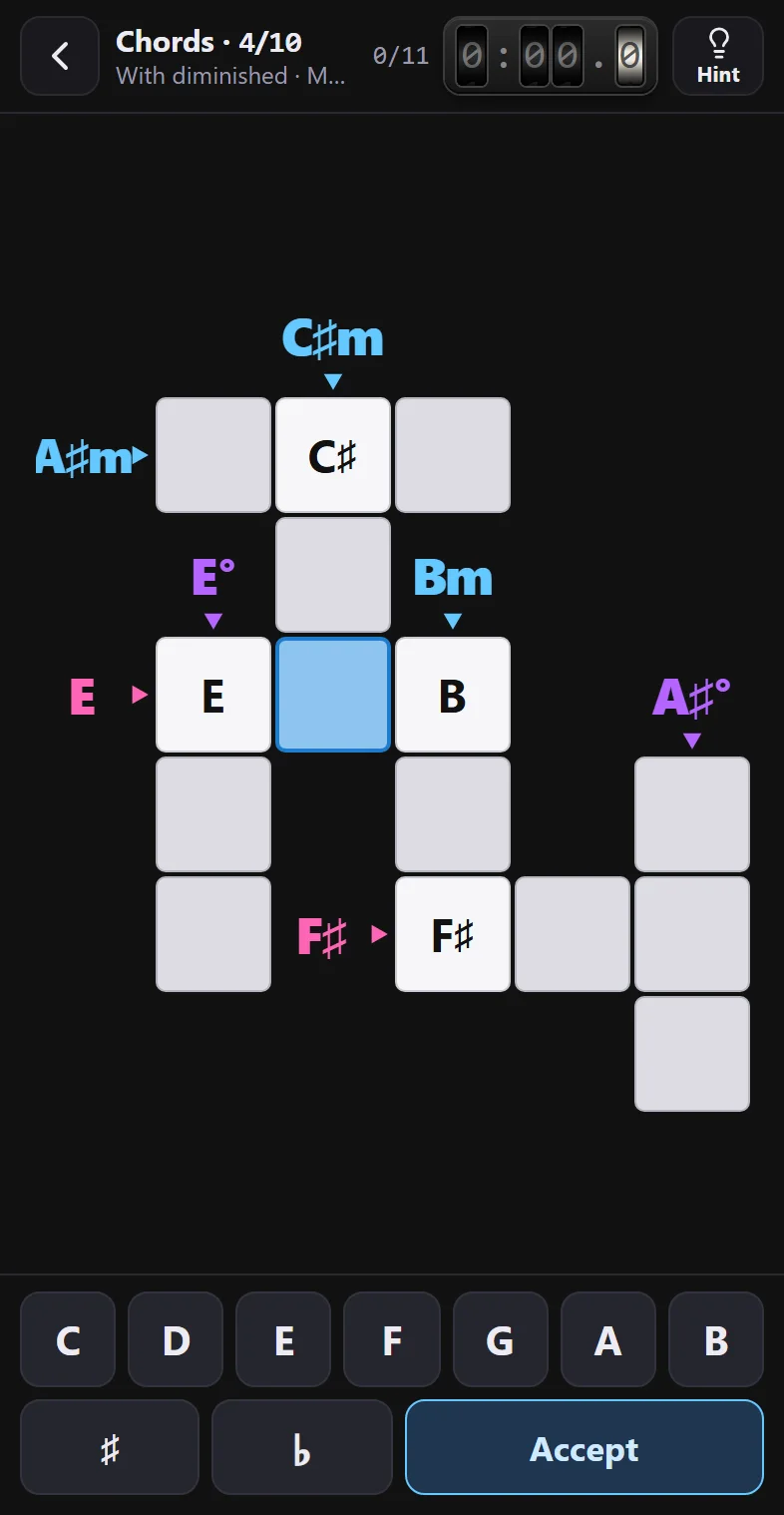
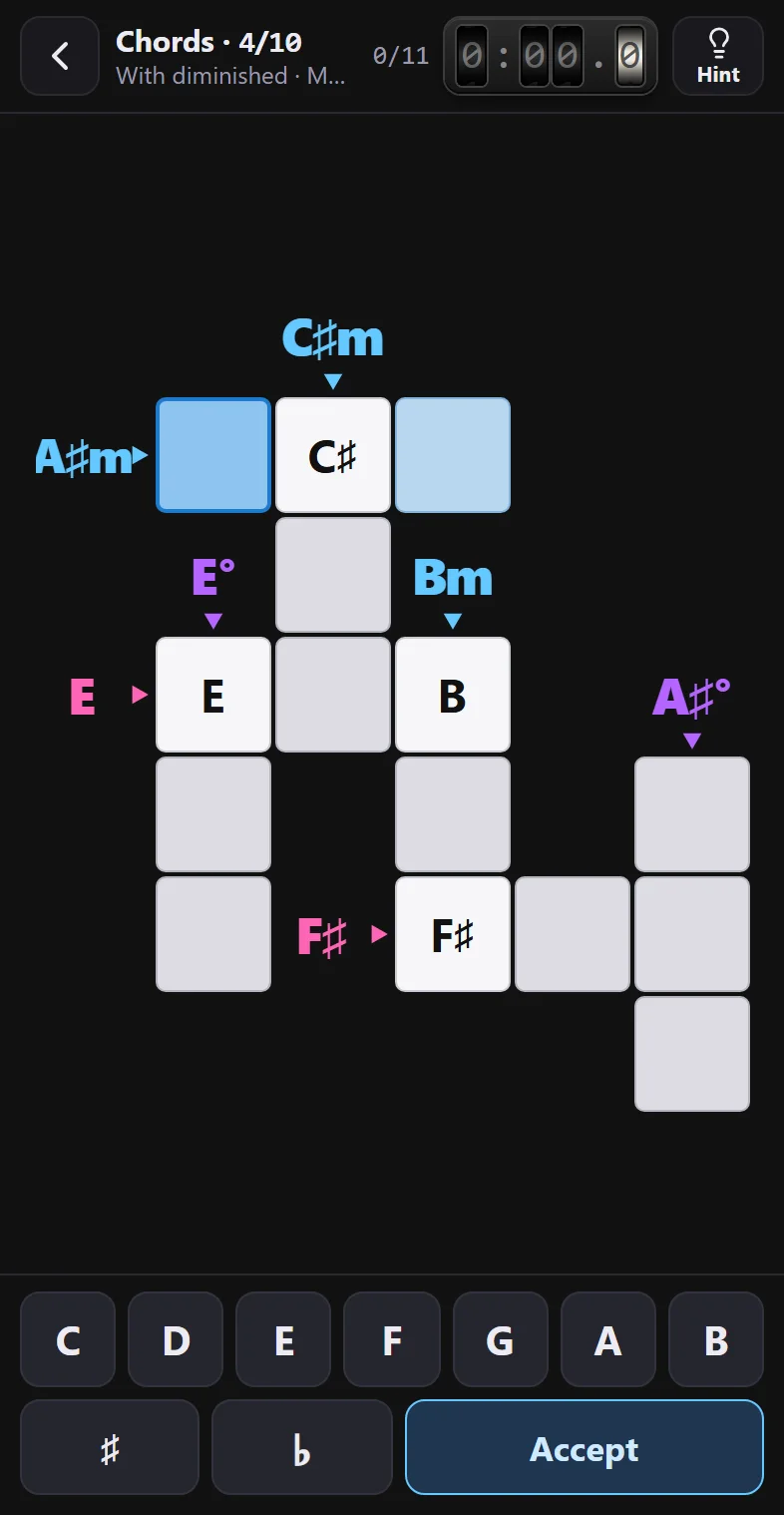
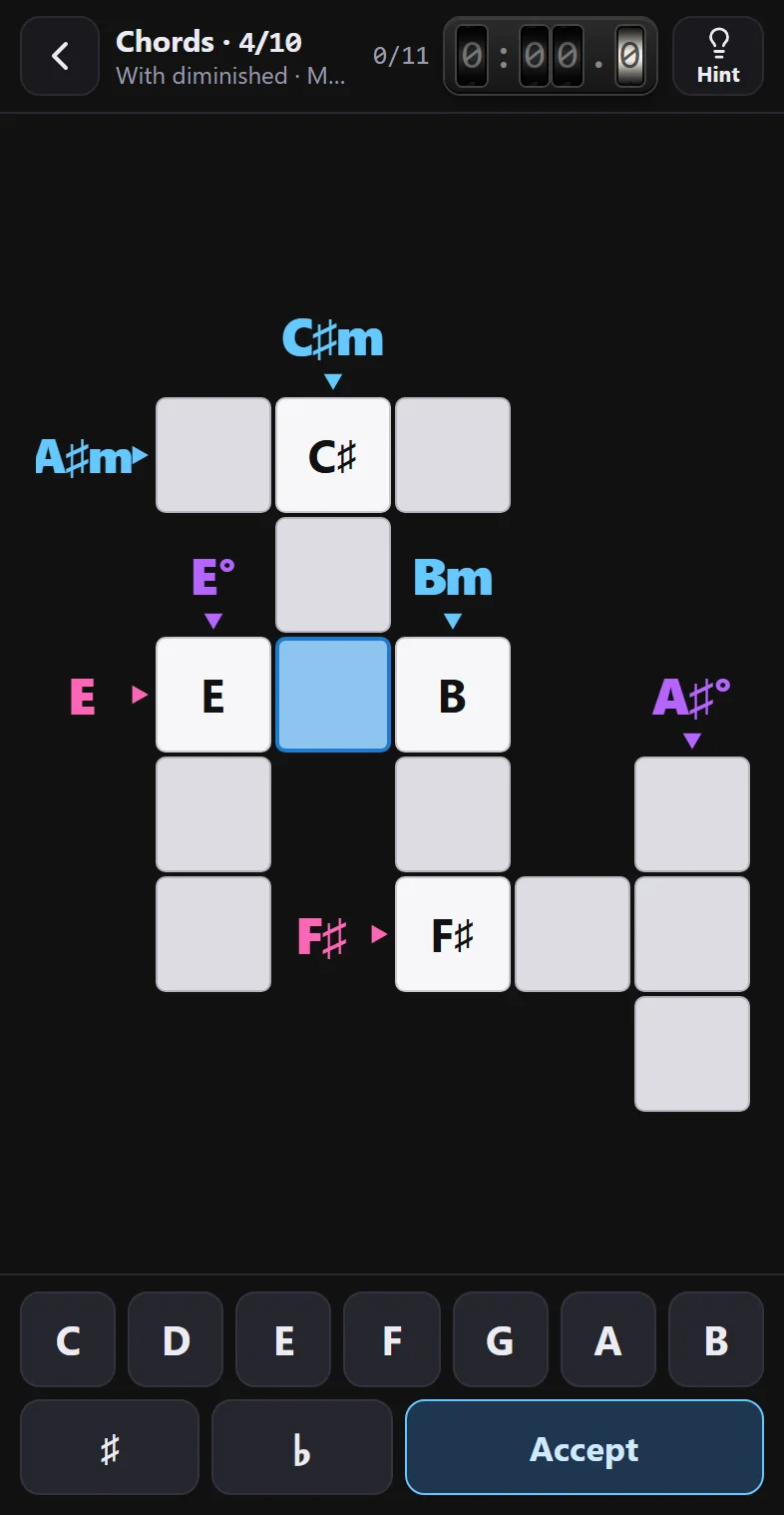
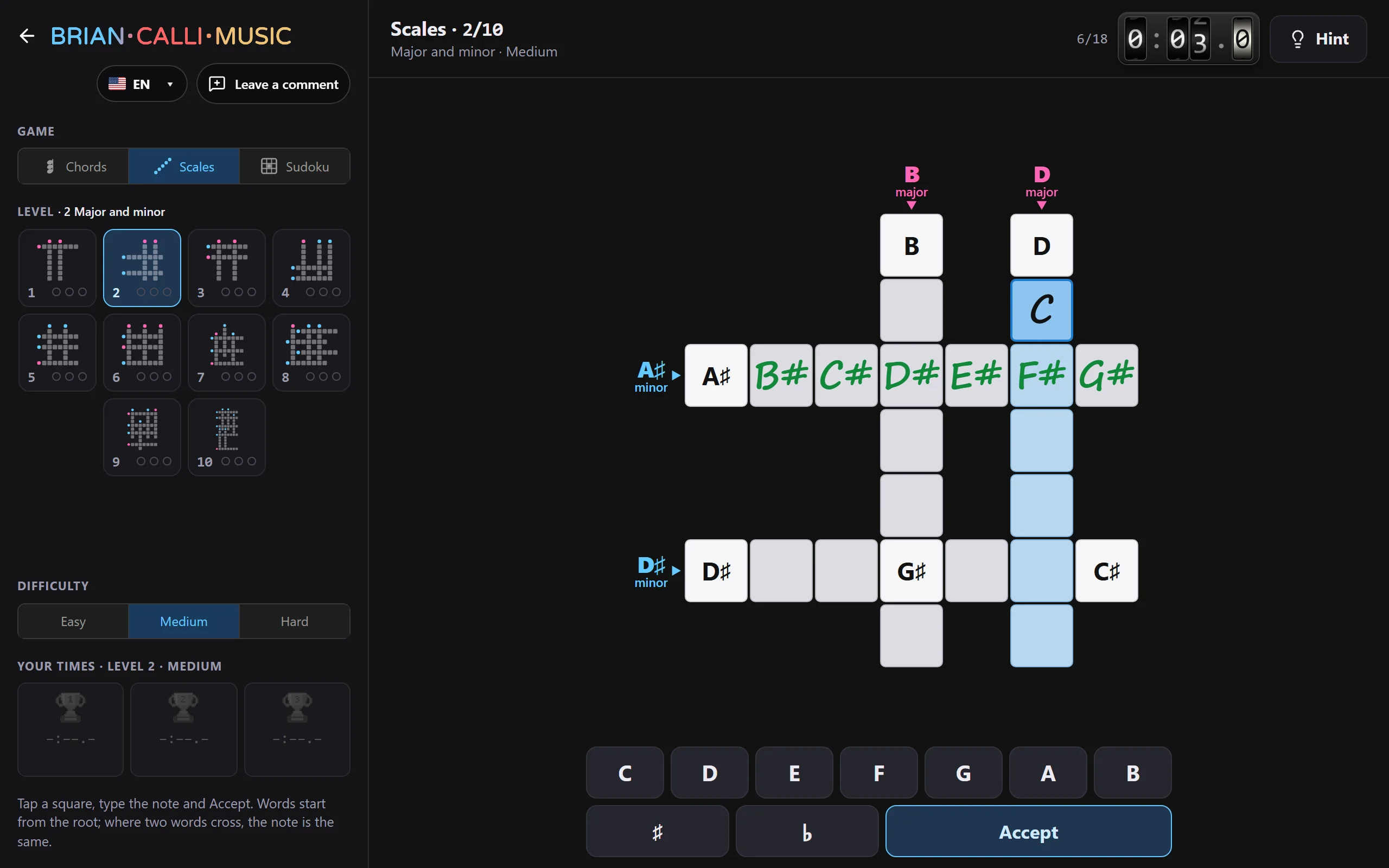
At the top, how you're doing; in the middle, the crossword, which shrinks to fit on screen; at the bottom, the note keyboard, right under your thumb. Here, Chords 4 (“With diminished”) on Medium, just opened.
03
Step by step
Every word is written from the root, one note per square. Six steps, from the first tap to the final popup.
04
How to read the clues
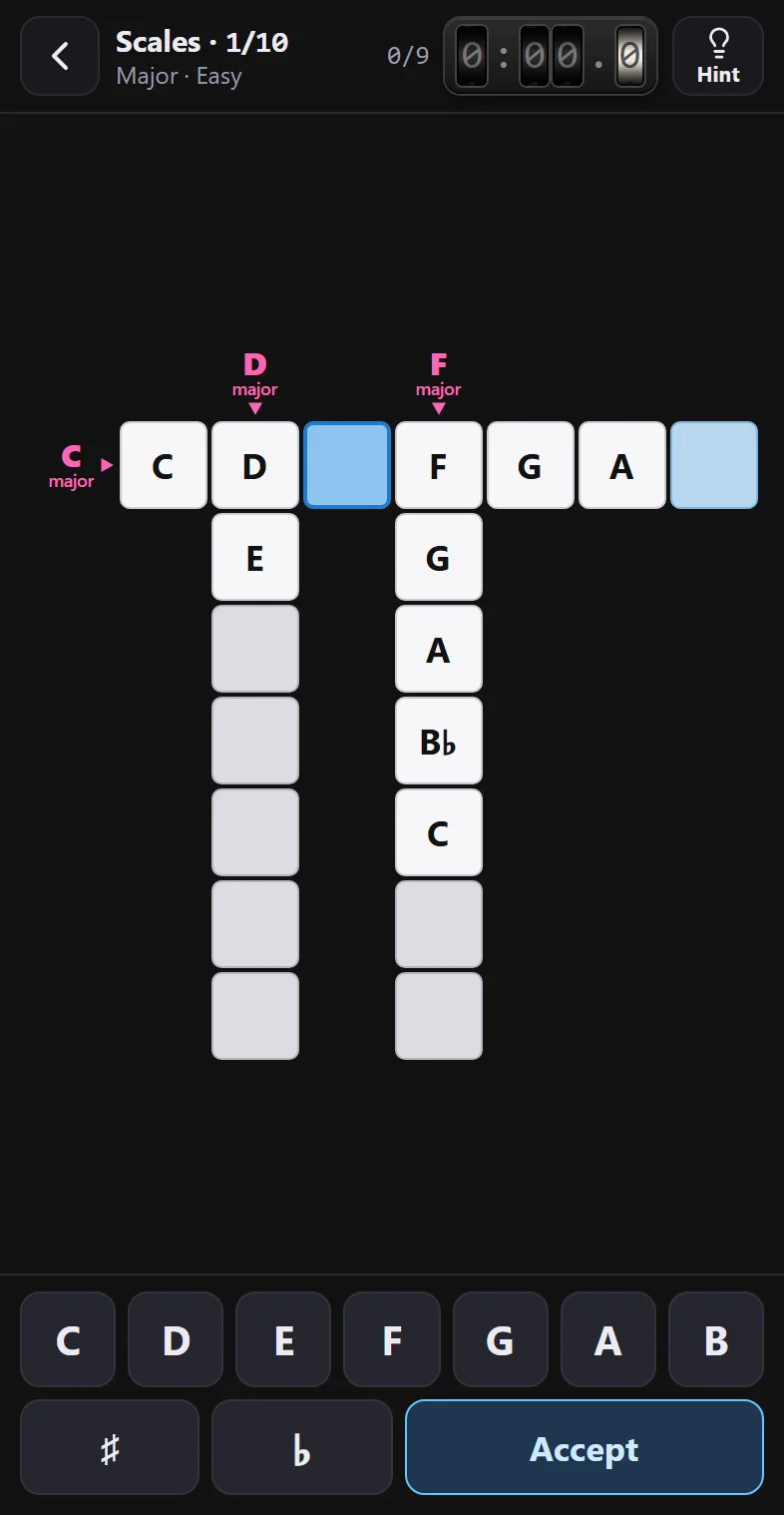
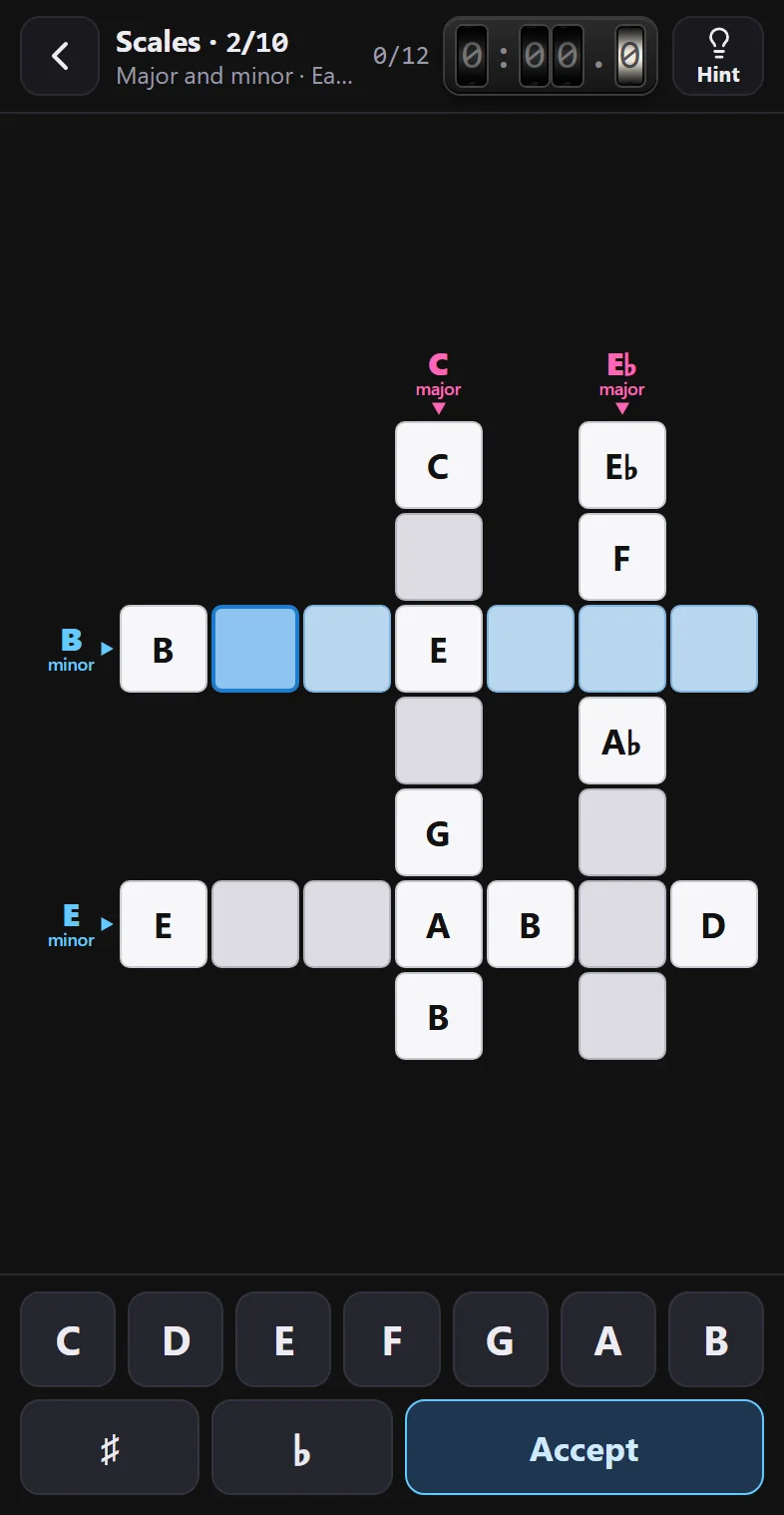
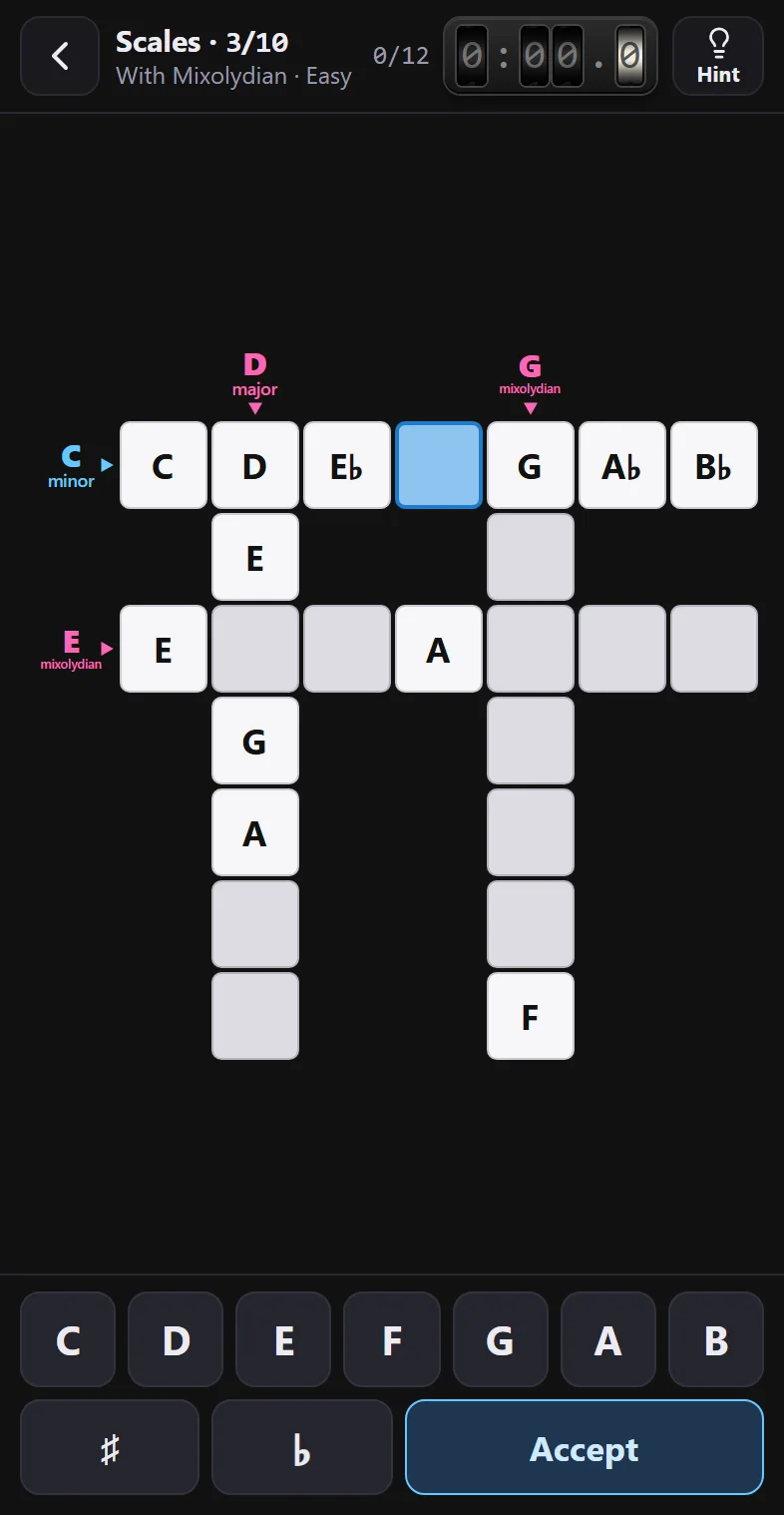
Like in arrow crosswords: the clue sits in the square just before its word, and the little triangle shows which way it goes, ▸ right or ▾ down. Where two words cross, the note is the same for both: that's the best help you've got. The color tells you the type:
- Major C, Cmaj7 · and the major, lydian and mixolydian scales
- Minor Cm, Cm7 · and the minor, dorian, phrygian, harmonic and melodic scales
- Dominant seventh C7
- Diminished C°, Cø, C°7
- Augmented C+
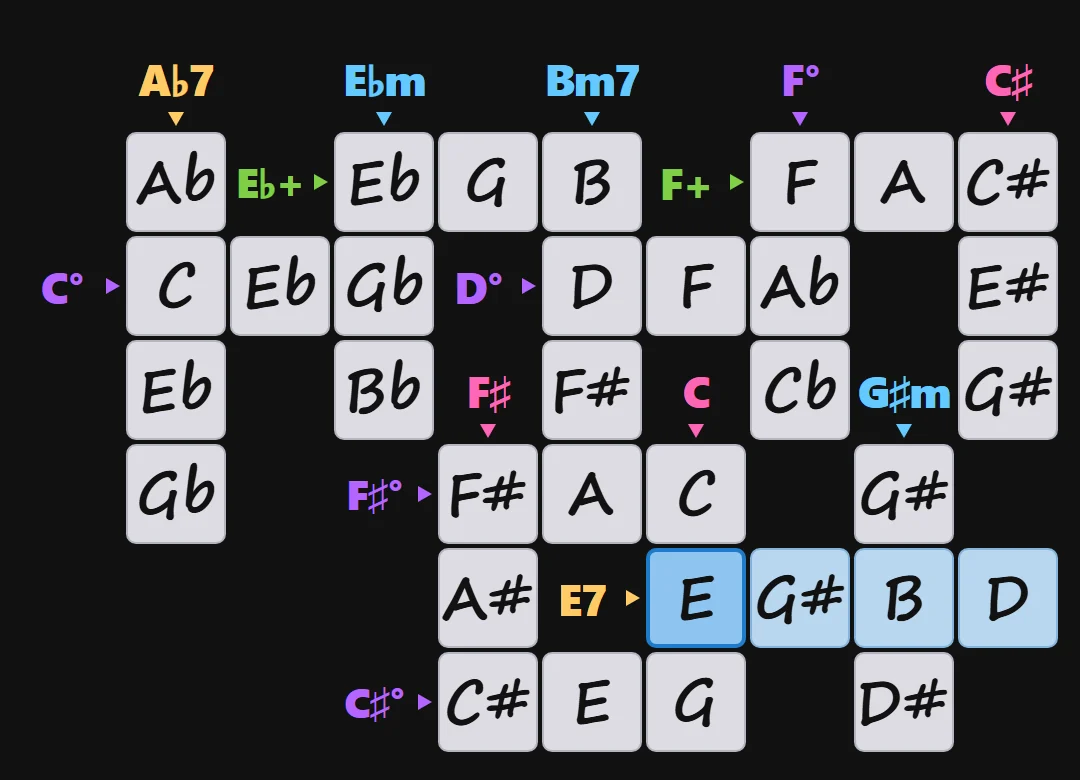
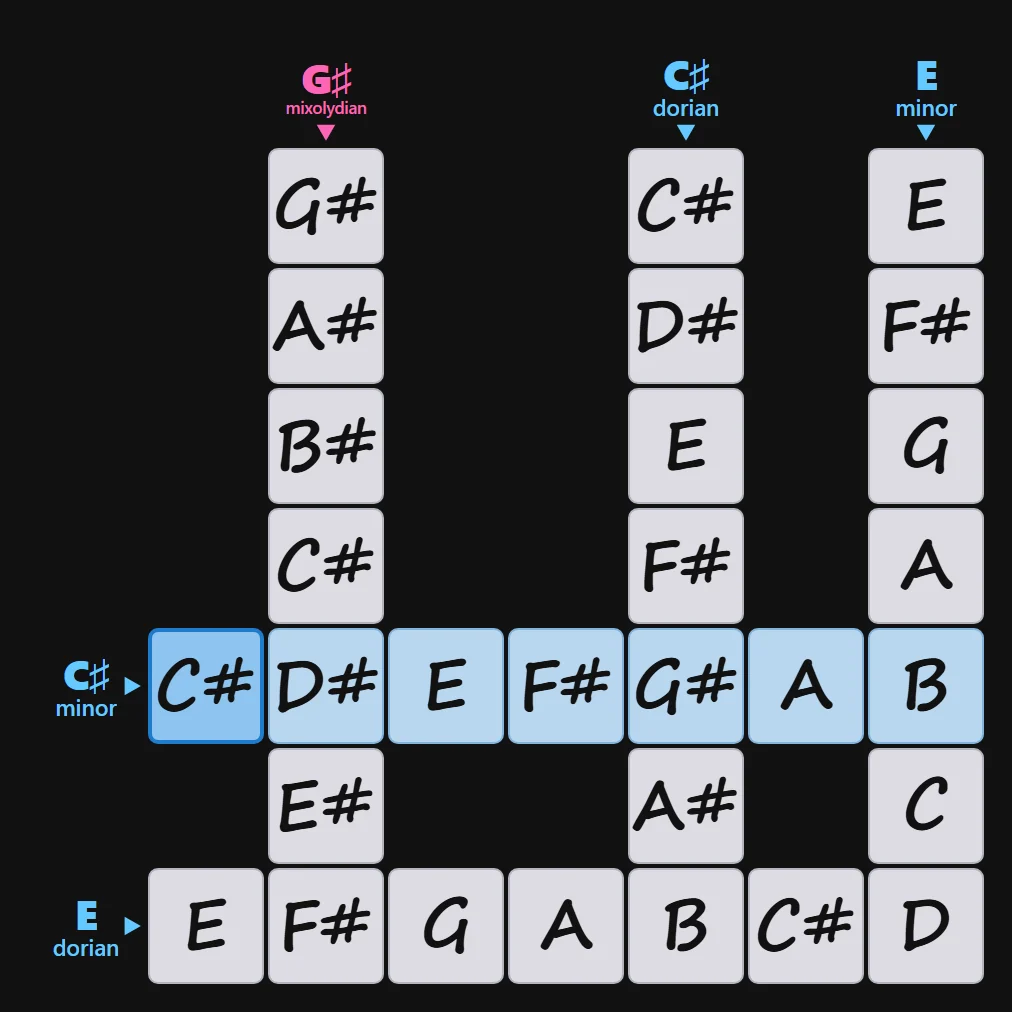
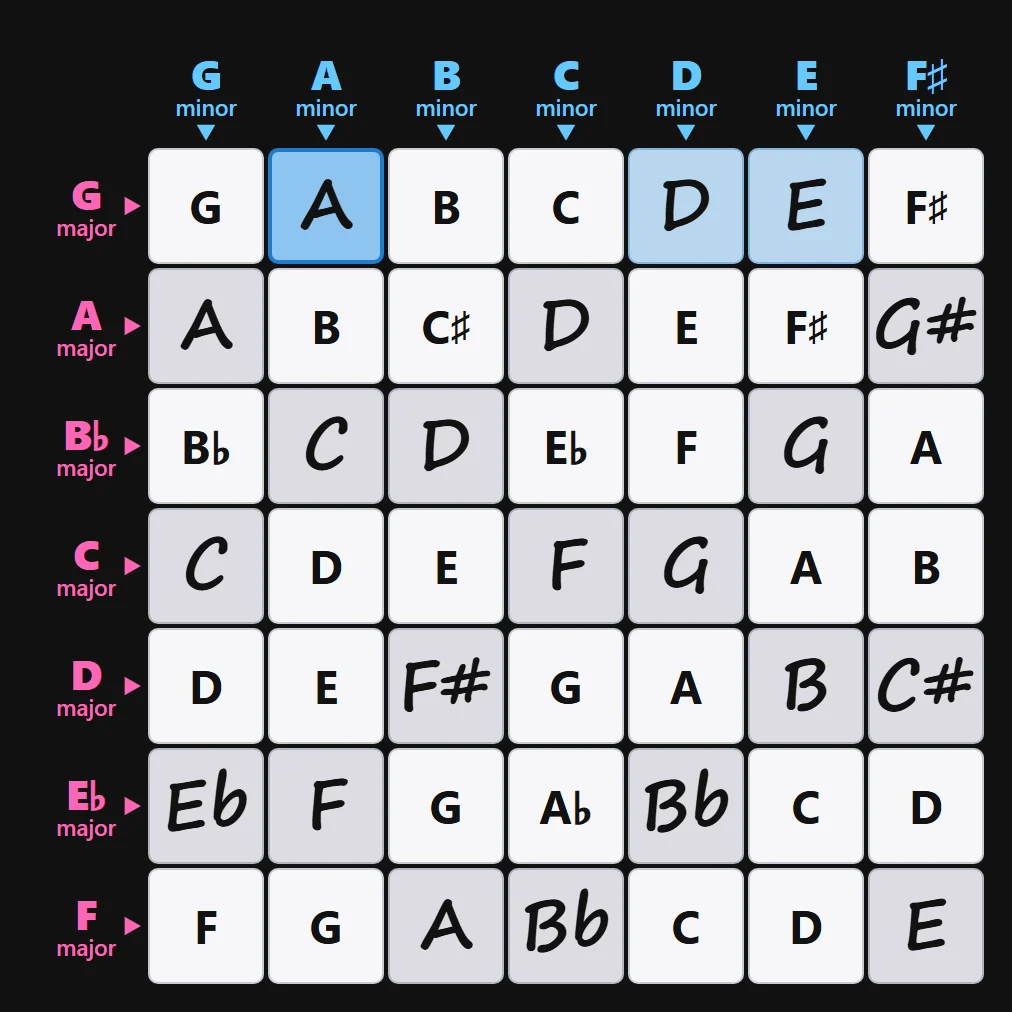
All three, solved: in regular type, what comes given; handwritten, what the player writes.
05
If you get stuck: the Hint
The Hint button asks you to pick a row or a column, and explains it in a window, step by step: which notes go there and why. First the notes without ♯ or ♭, then the root, and each note counted in semitones on a piano, until you see whether it takes ♯ or ♭. It works in all three games.
06
Three difficulties per exercise
All 30 exercises come in Easy, Medium and Hard: the same crossword, with more or fewer notes filled in. Tap each one.
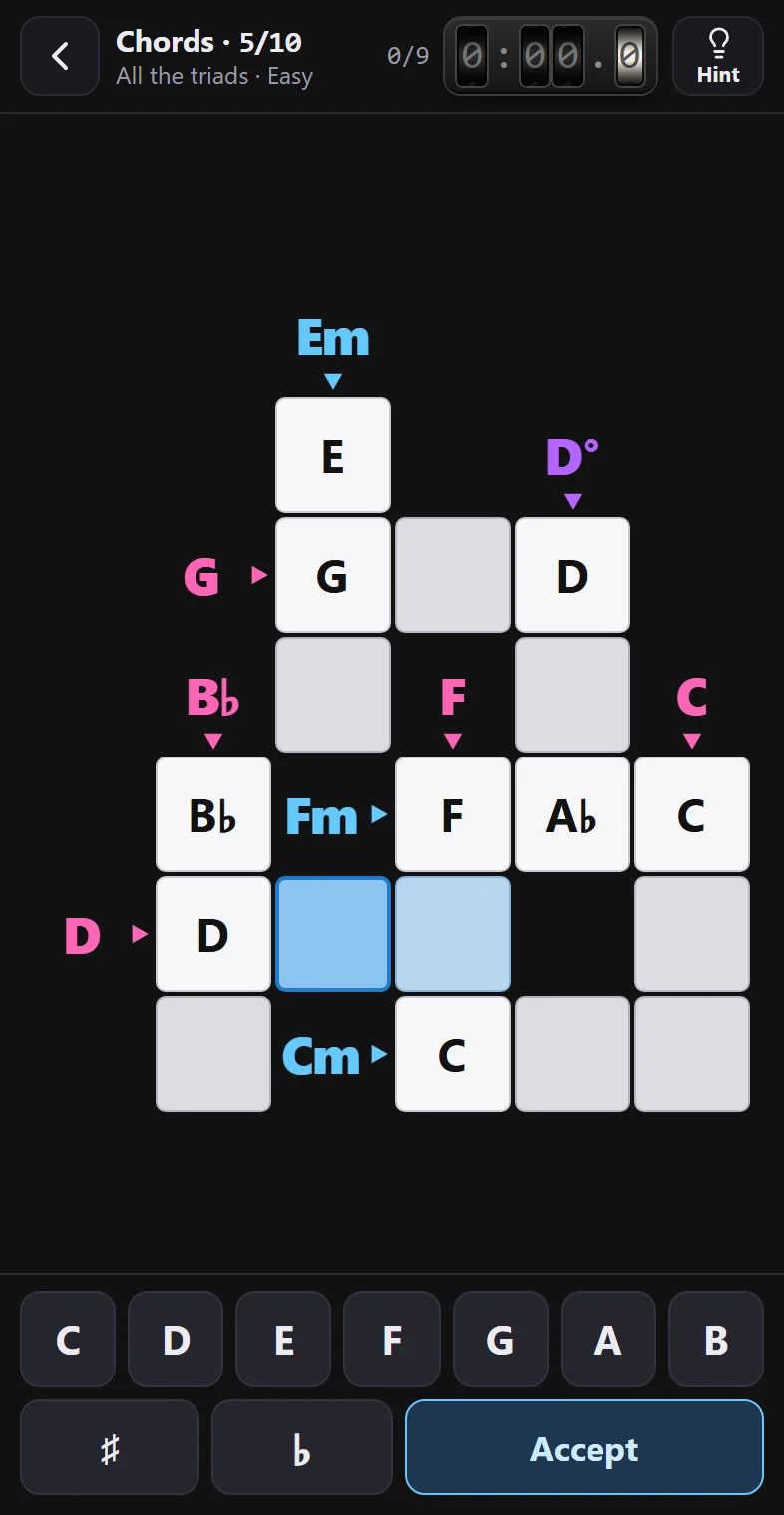
Easy. Half the squares come filled in, starting with the root of each word, and it's transposed to the key with the fewest ♯ and ♭: no double sharps or flats, and no words starting on E♯, B♯, C♭ or F♭. In this one, 9 squares to fill.
Medium. Same exercise in its own key, with a quarter of the squares already filled in. In this one, 13 to fill.
Hard. The exercise just as it was built: only the clues. In this one, all 18.
Chords 5, “All the triads”, just opened: Easy and Medium come with notes already in the whiter squares. Each difficulty has its own times and trophies.
07
When you finish
Once the last square is right, the popup appears: your time, a trophy if it made your top three for that level and difficulty, and your mistakes. When you go back to the settings, the next difficulty is already selected.
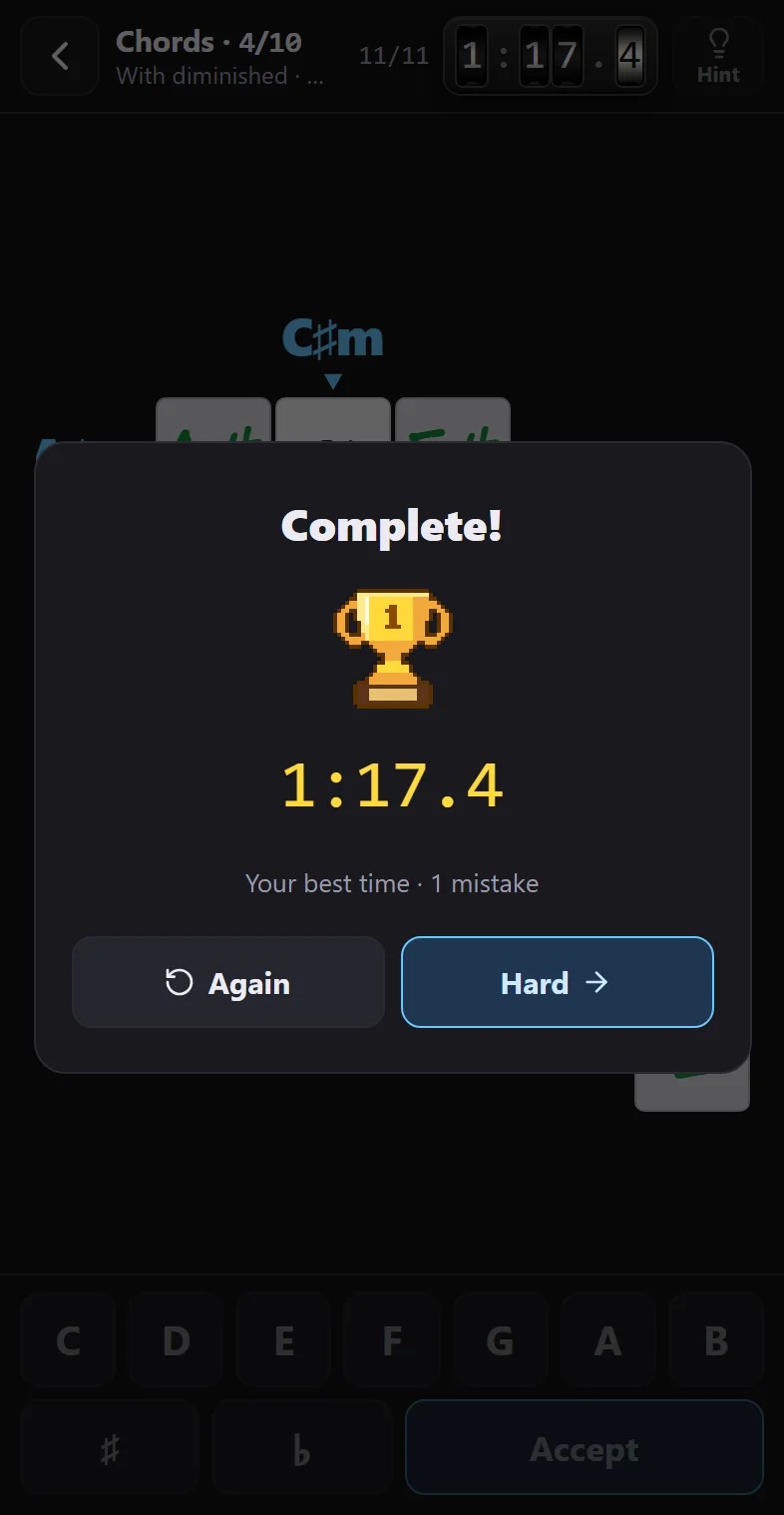
Again replays the same one, from scratch.
The arrow button on the right moves on to the next difficulty (“Hard →”); if you were already on Hard, to the next level, and after 10 it goes back to 1.
Trophies go by time: gold, silver and bronze. If the run doesn't make your top three, the popup says so and the trophy shows up empty.
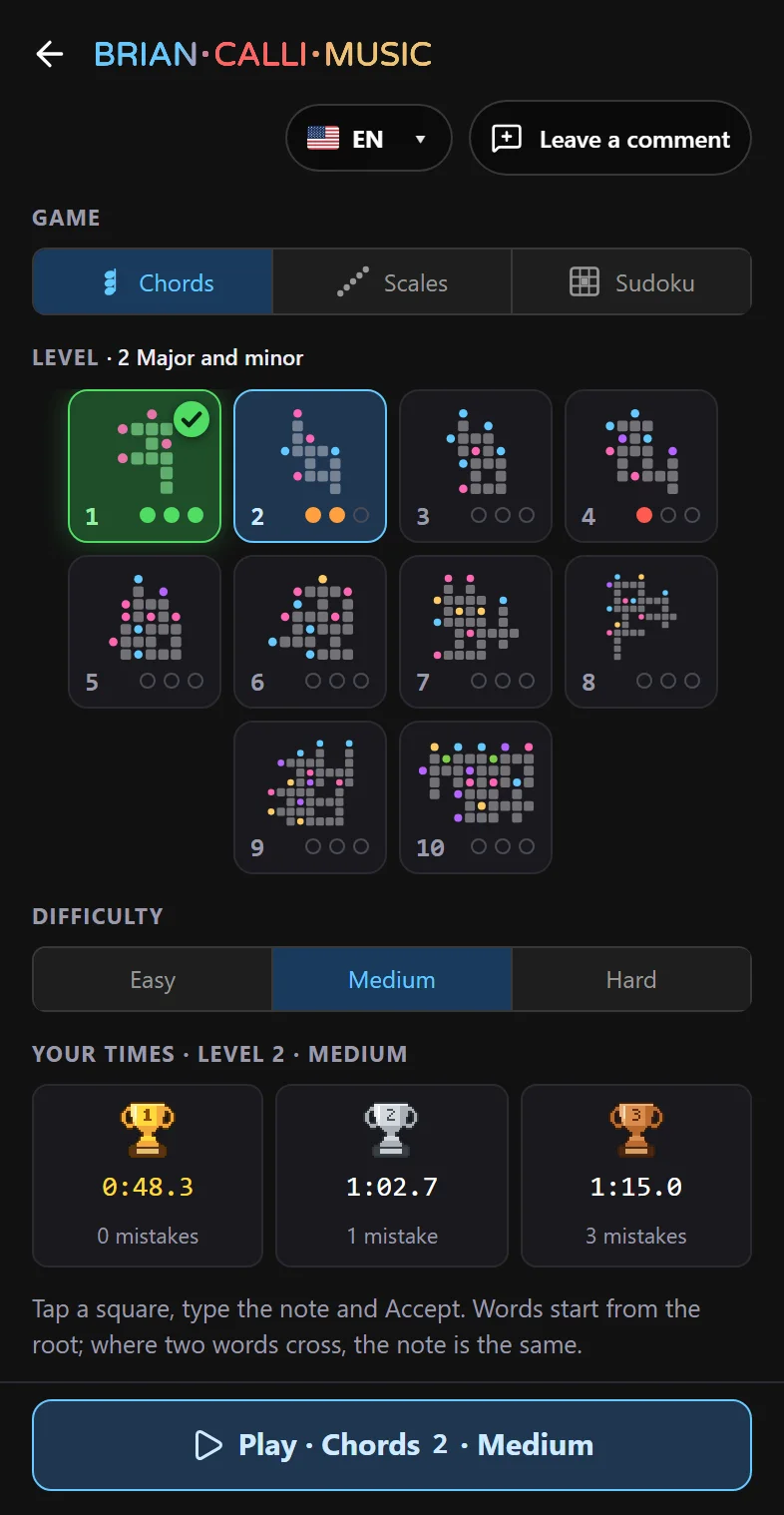
And the settings show what you've played
Example set up for the screenshot, with made-up times.
08
On a computer
From 900 px wide, the settings stay fixed on the left and you don't need “Play”: pick something and the board changes right away. You can play with the mouse or the keyboard. With the Hint, hovering over a square highlights the word you're about to pick.
- A…G
- The note (lowercase works too).
- # or +
- Sharp.
- b
- Flat, if the square already has a note in it; if it's empty, it's the note B.
- Enter
- Accept.
- Backspace
- Clears the note from the selected square.
- ←↑→↓
- To the next square in that direction.
- Esc
- With the Hint: stops picking a word, or closes the window.
- ←→ Enter
- In the Hint window: previous and next step.
09
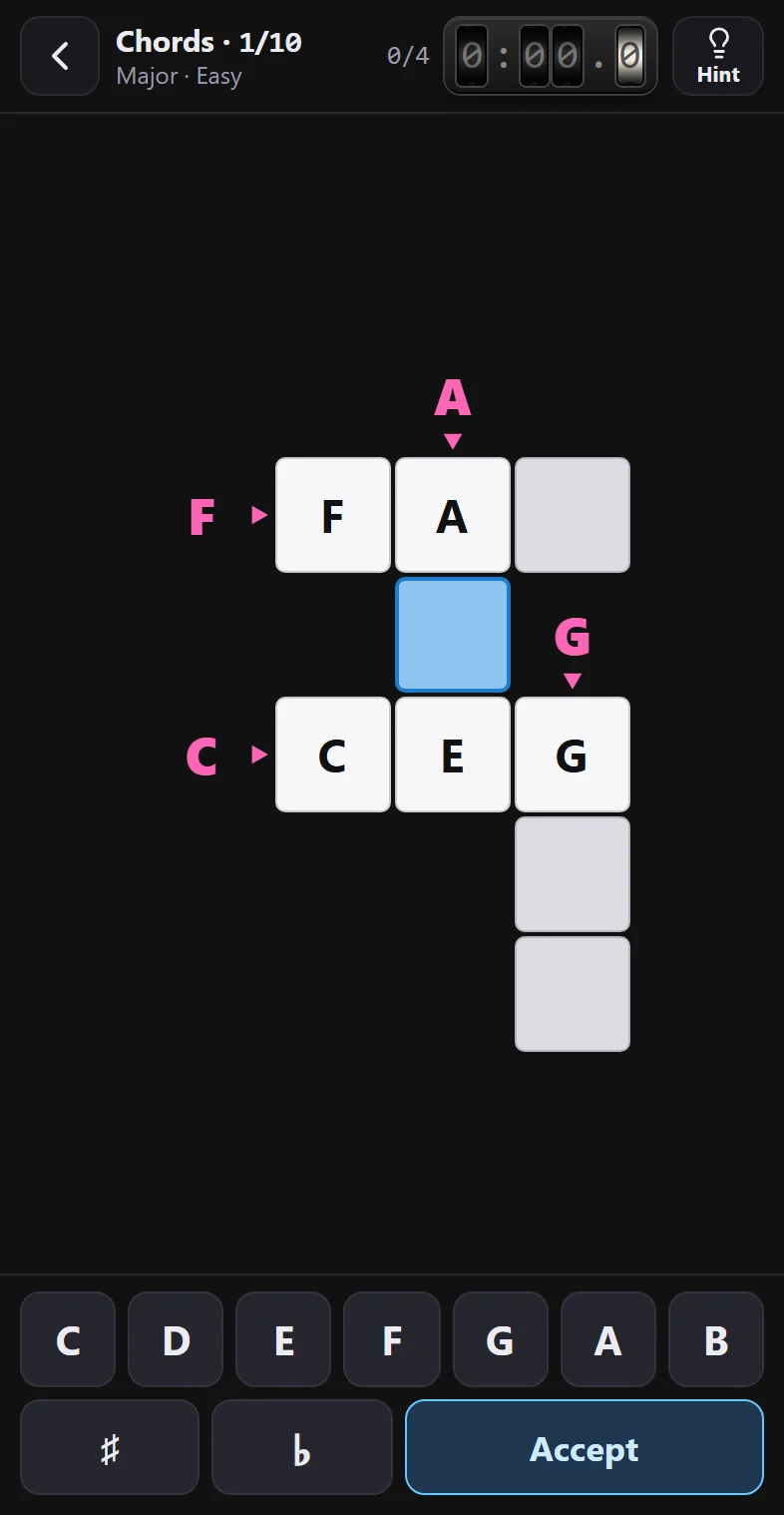
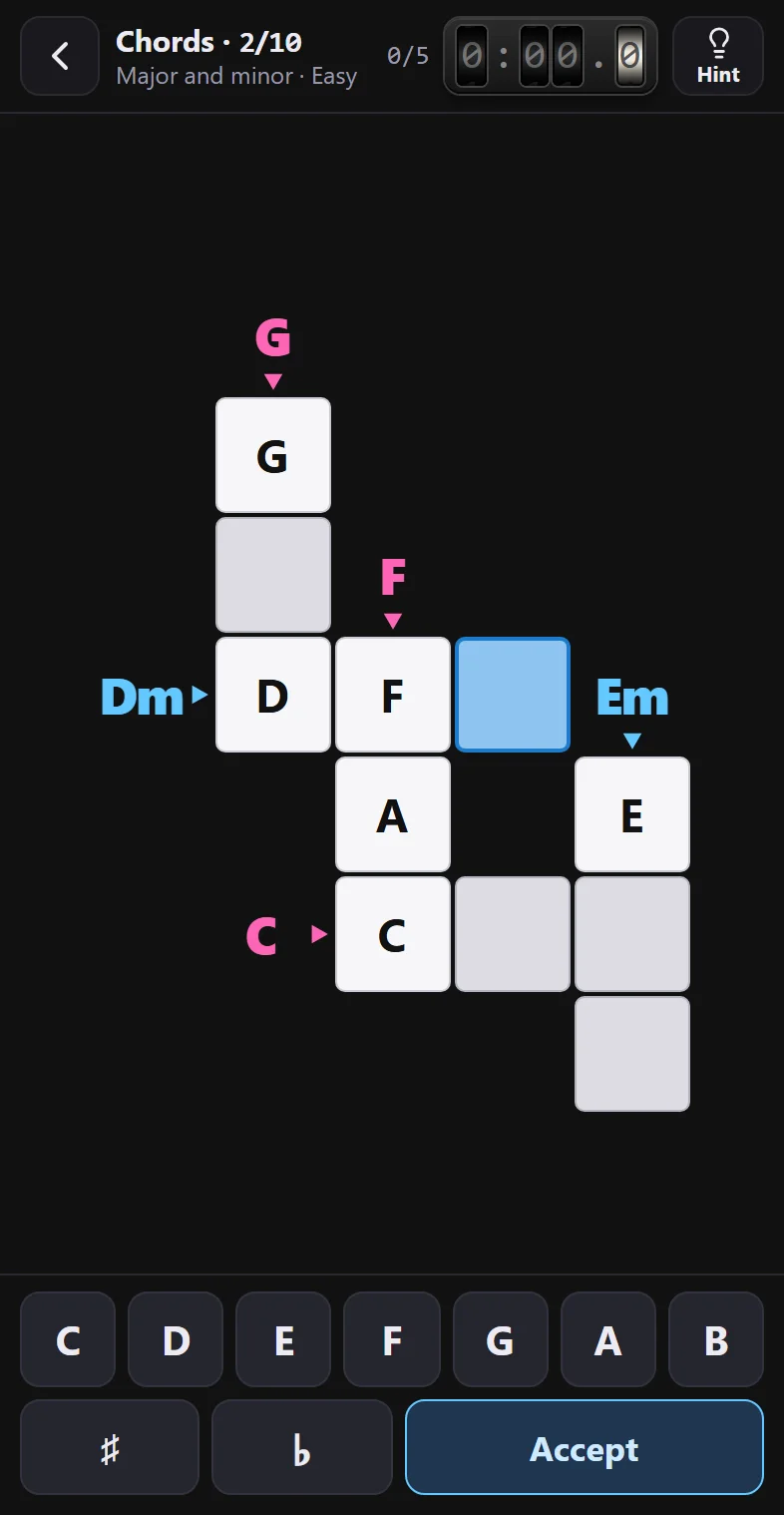
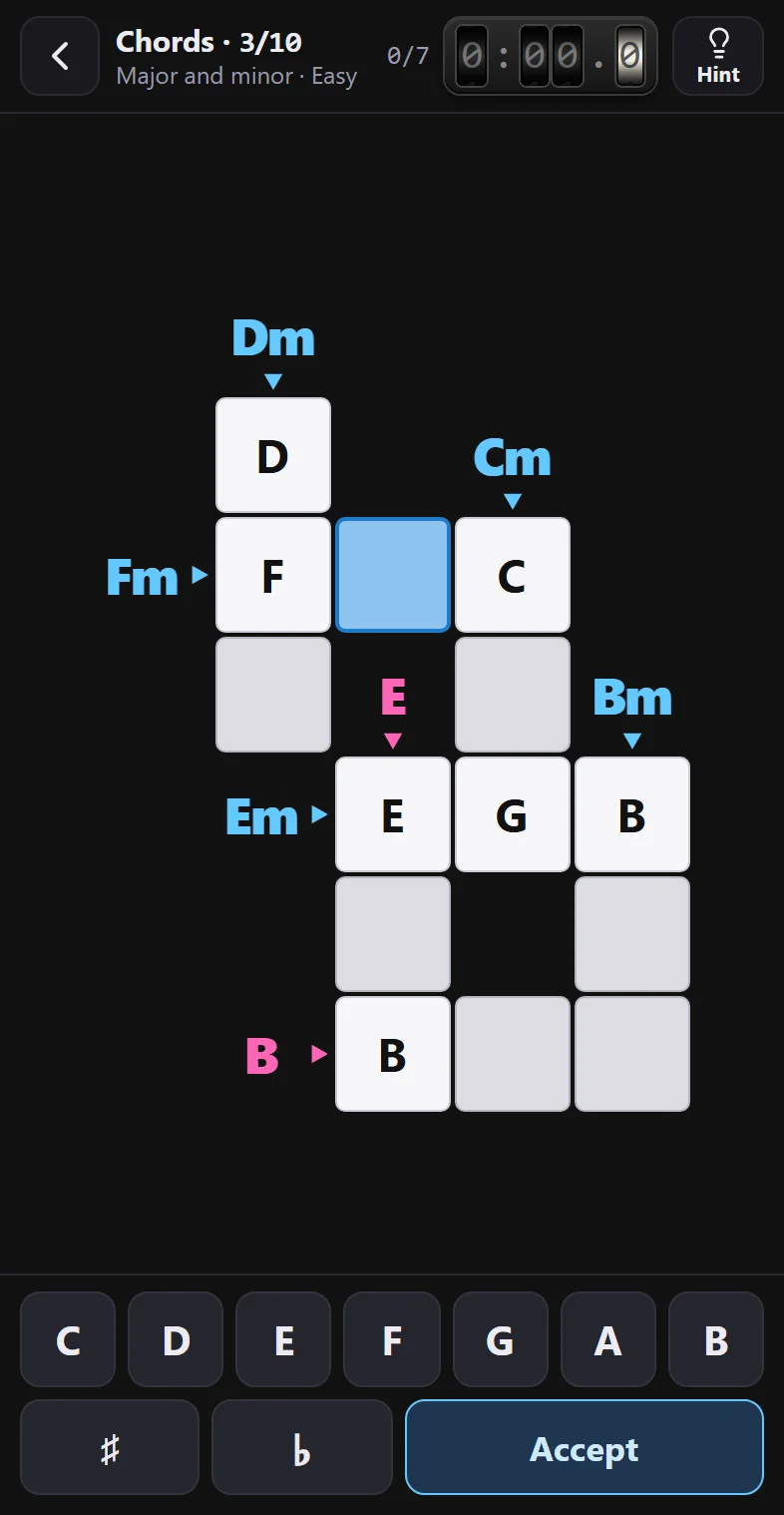
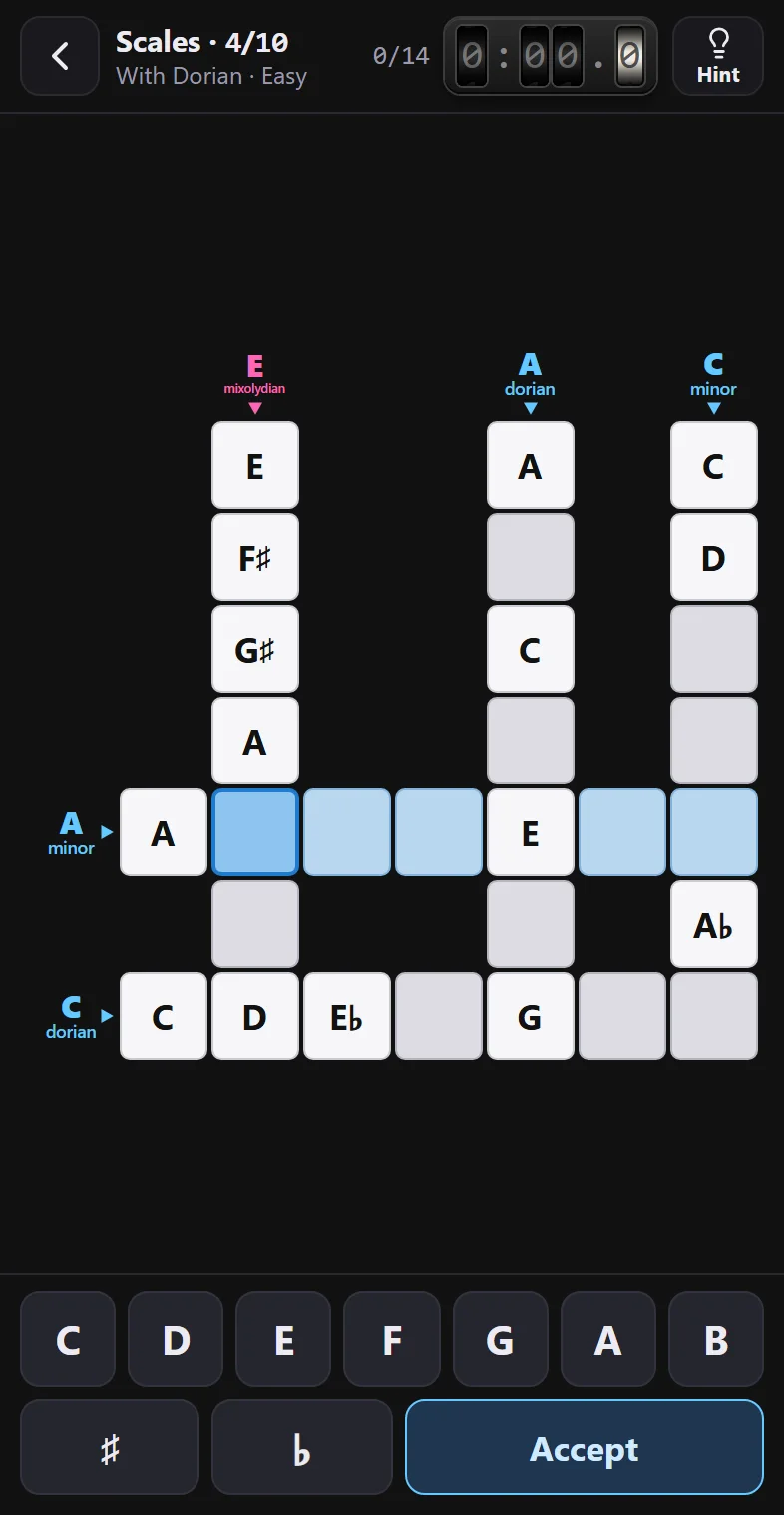
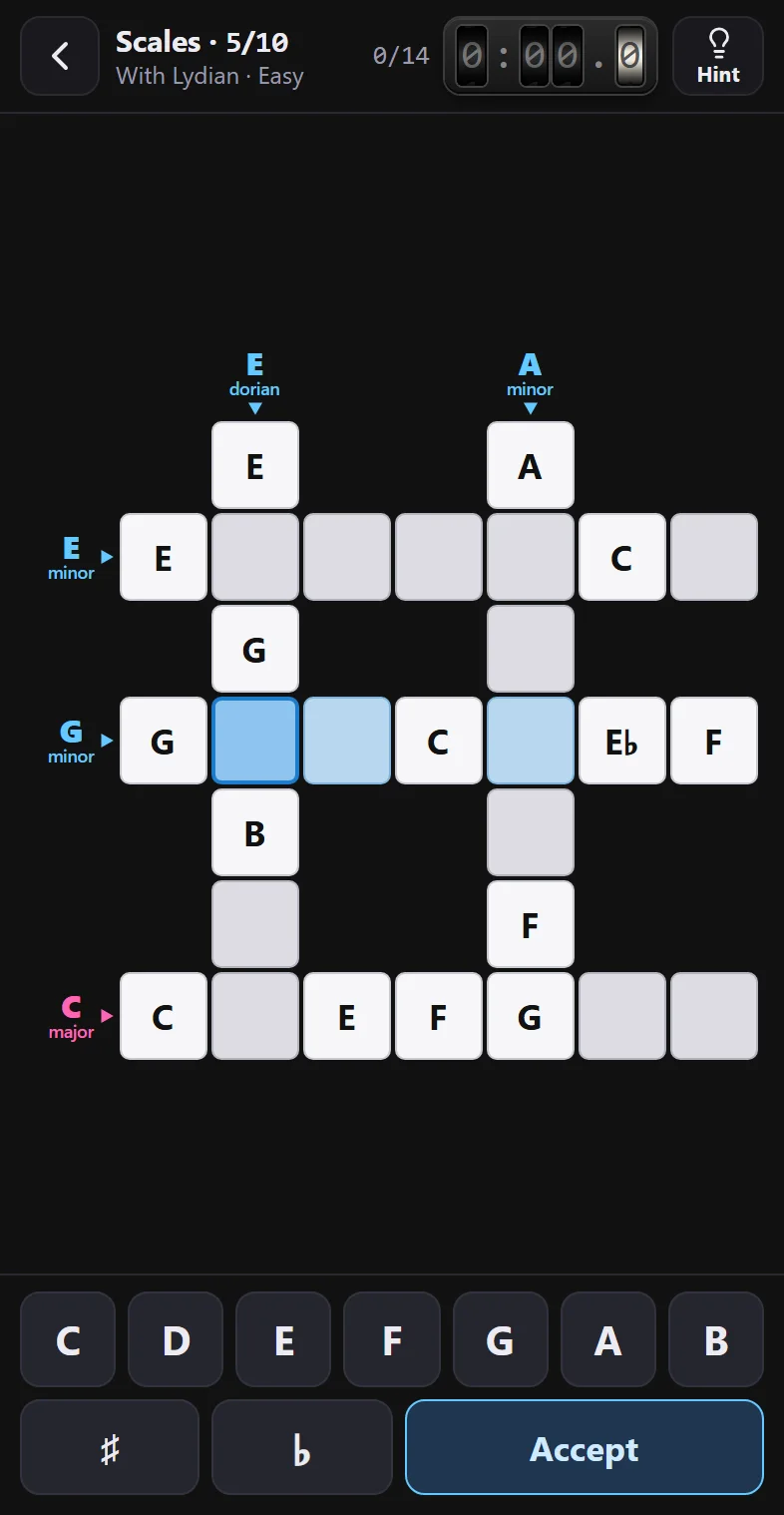
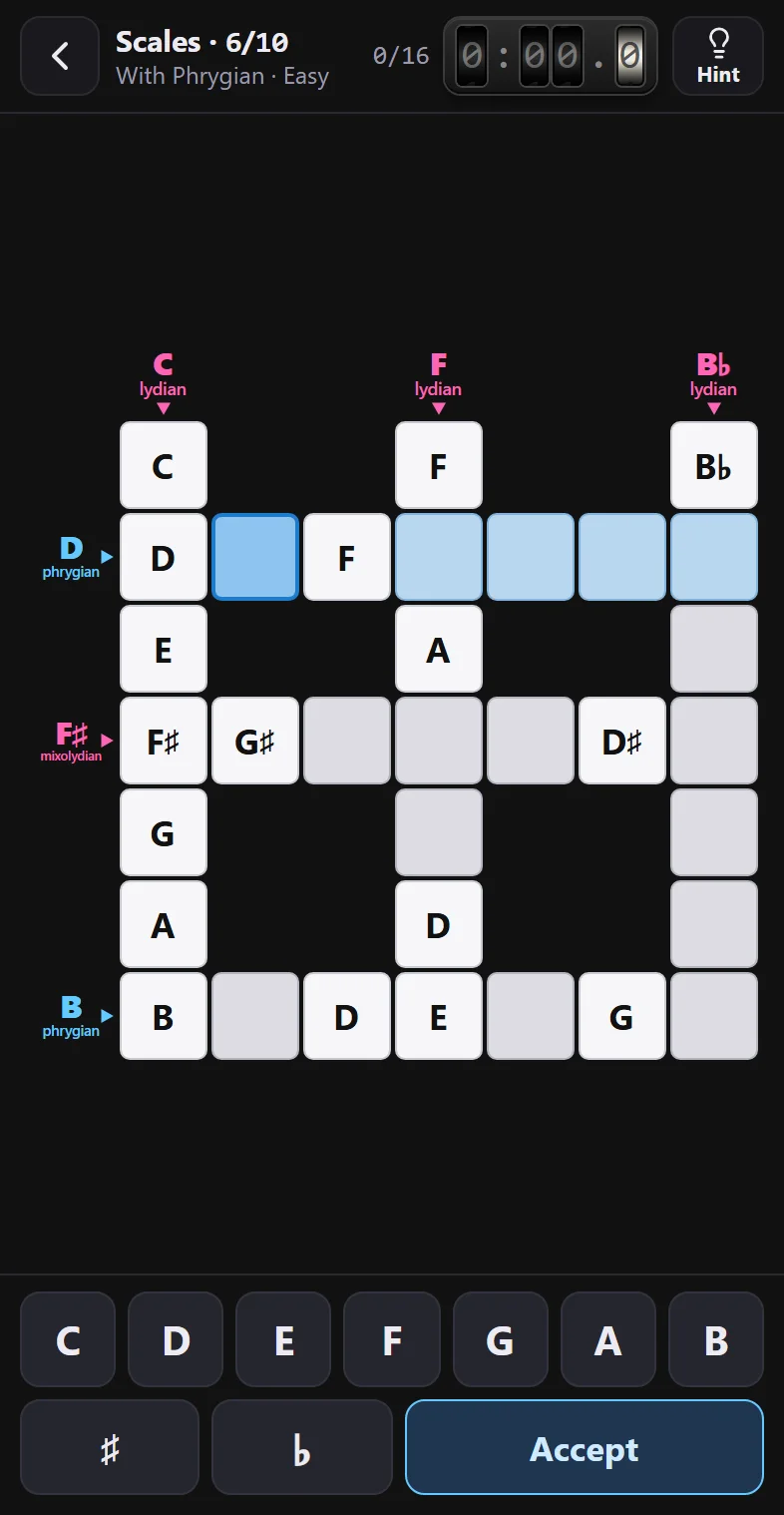
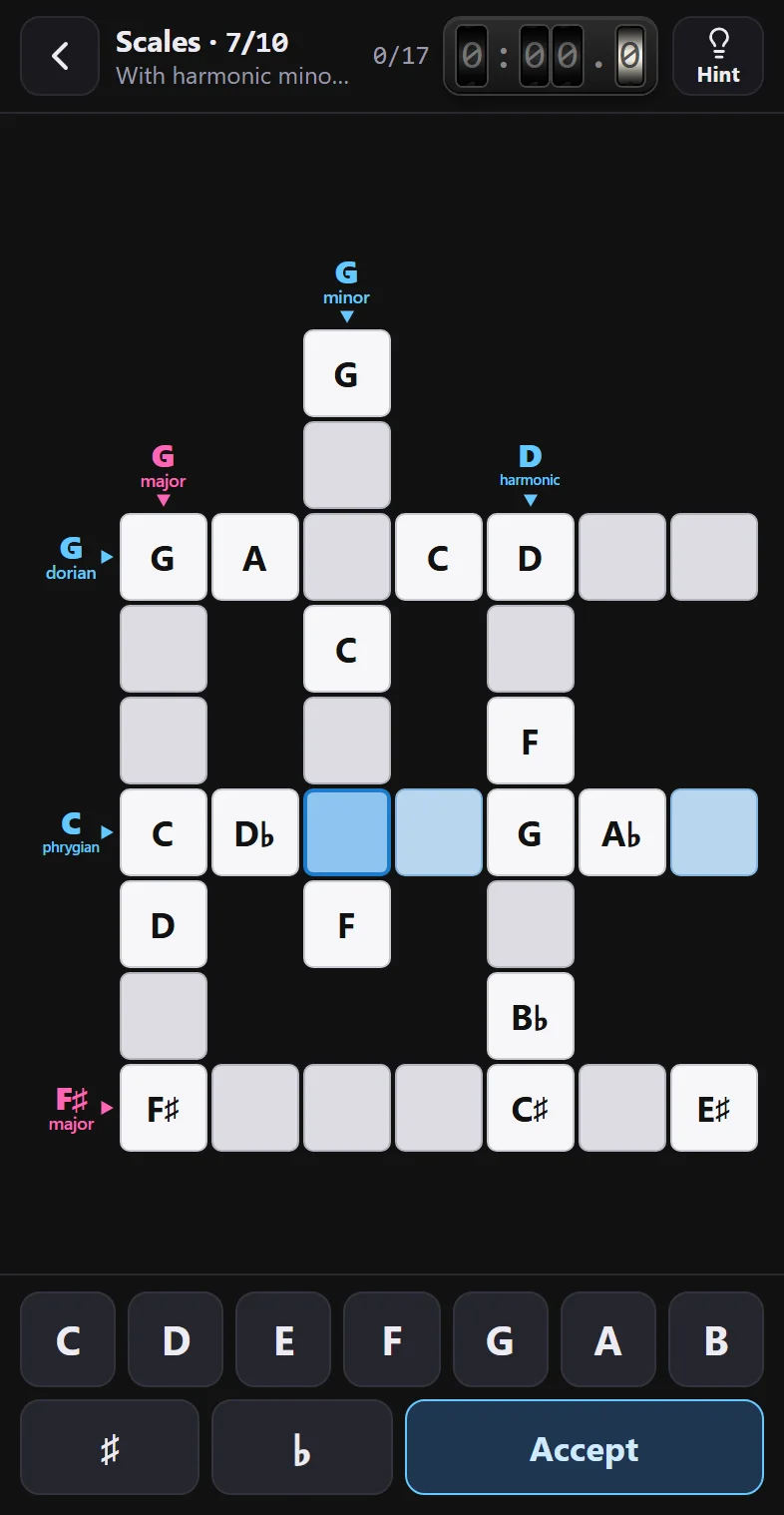
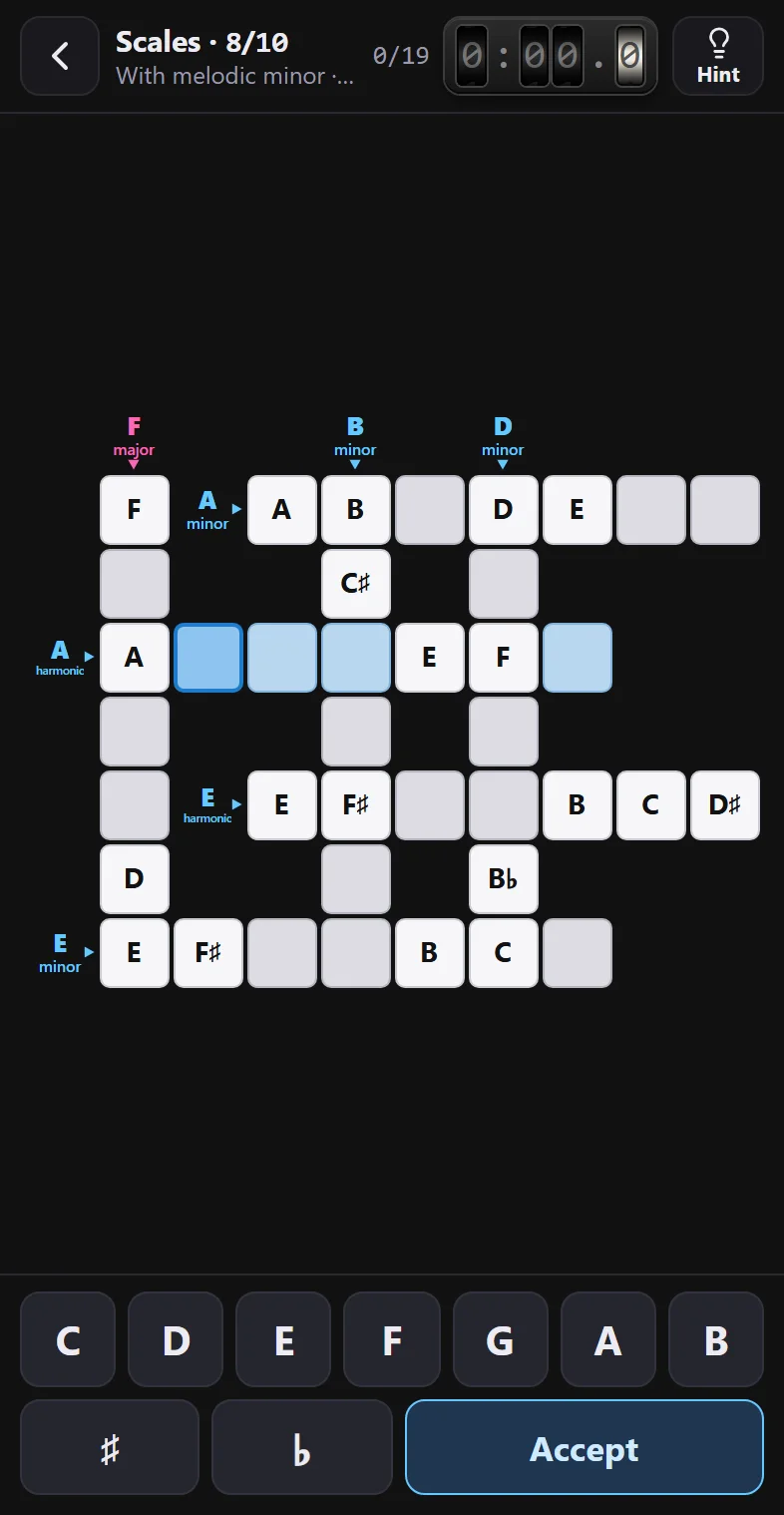
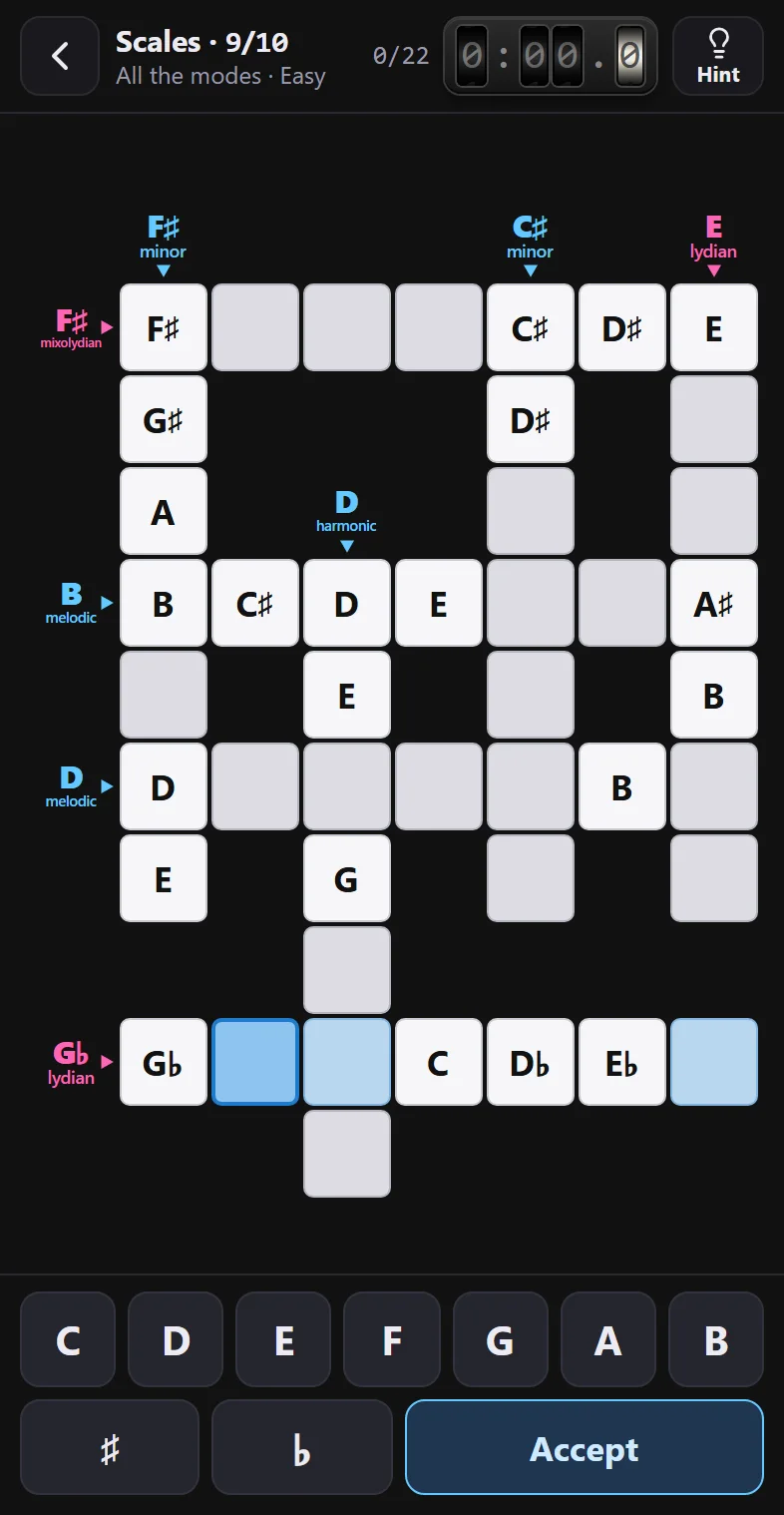
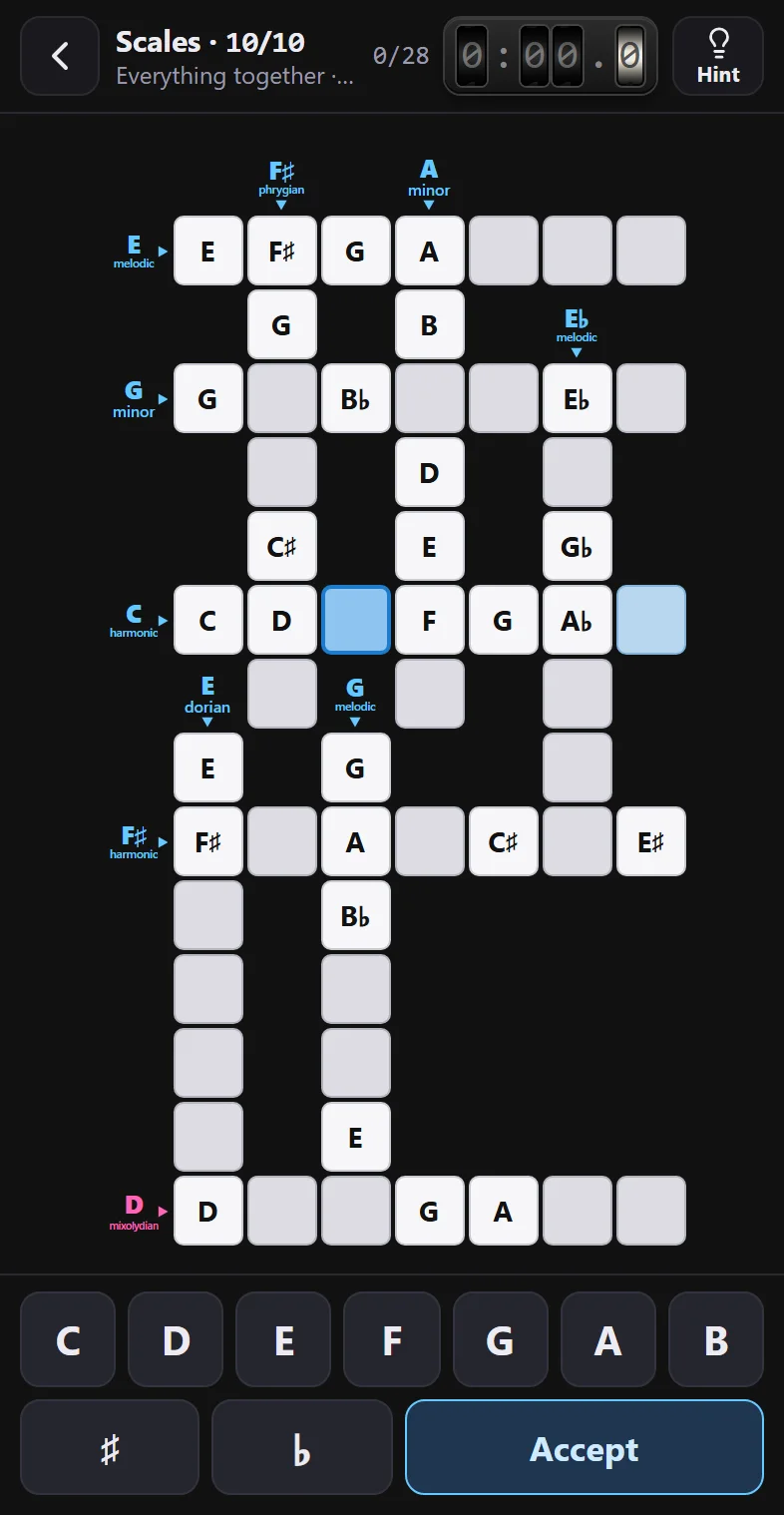
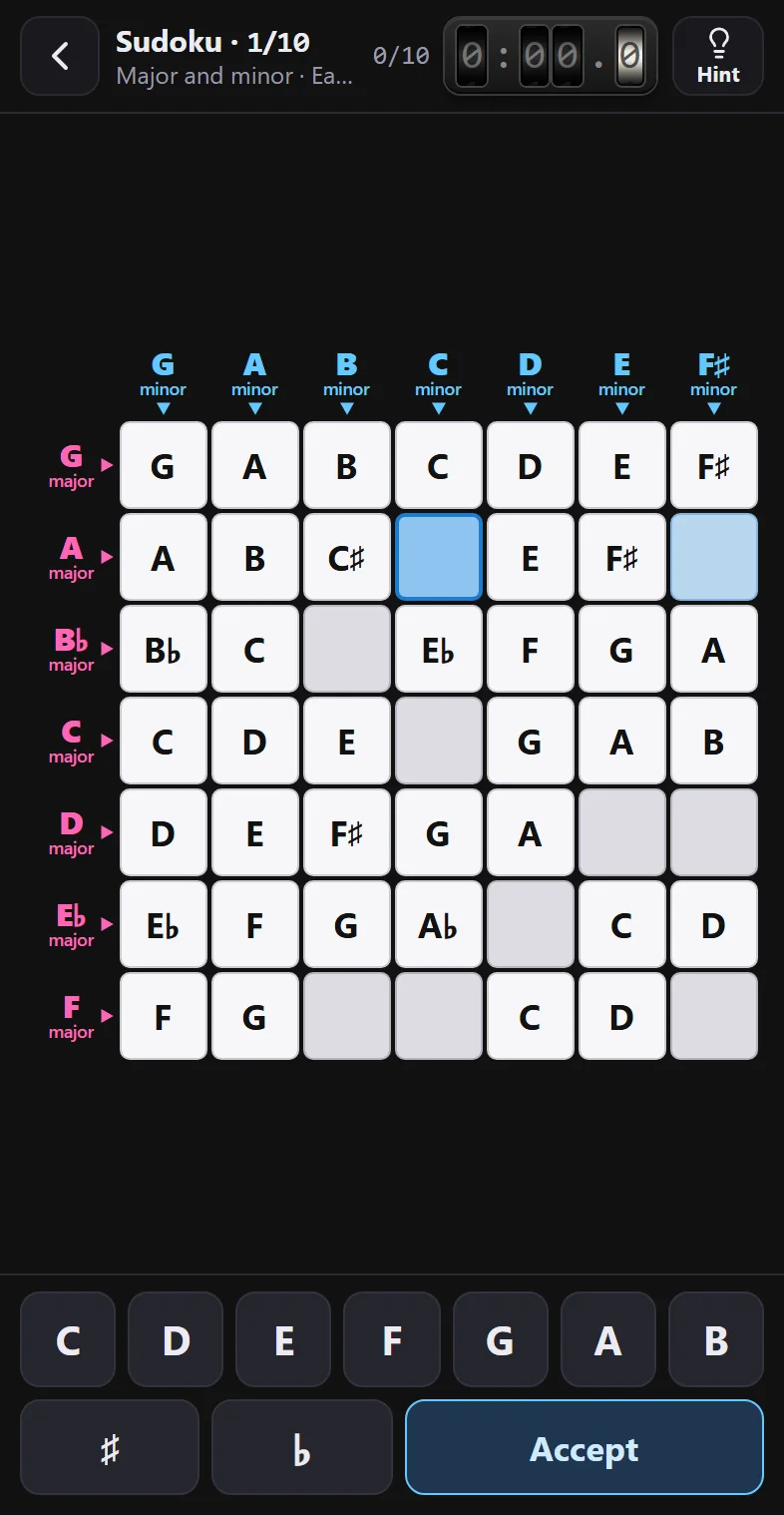
The 30 crosswords
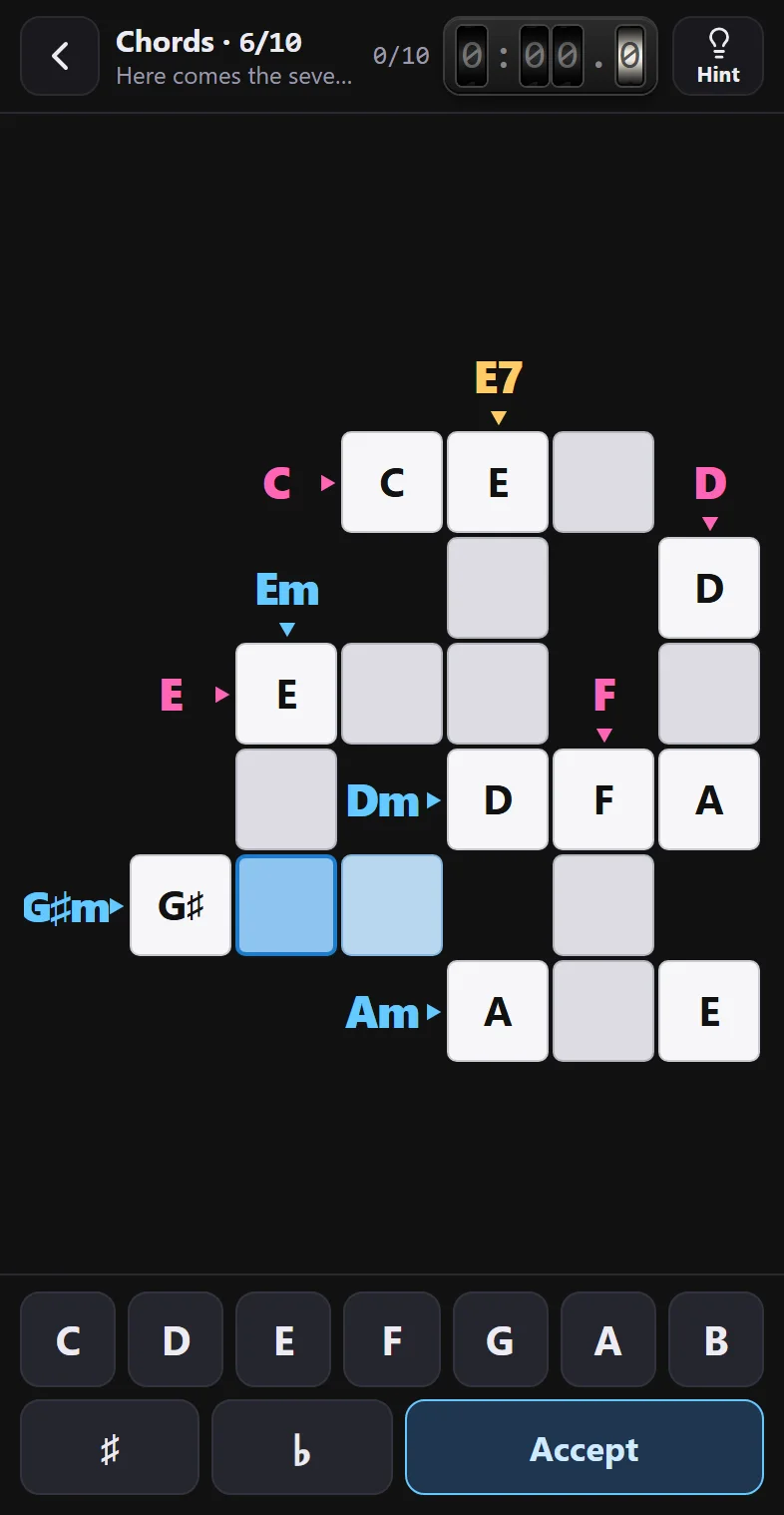
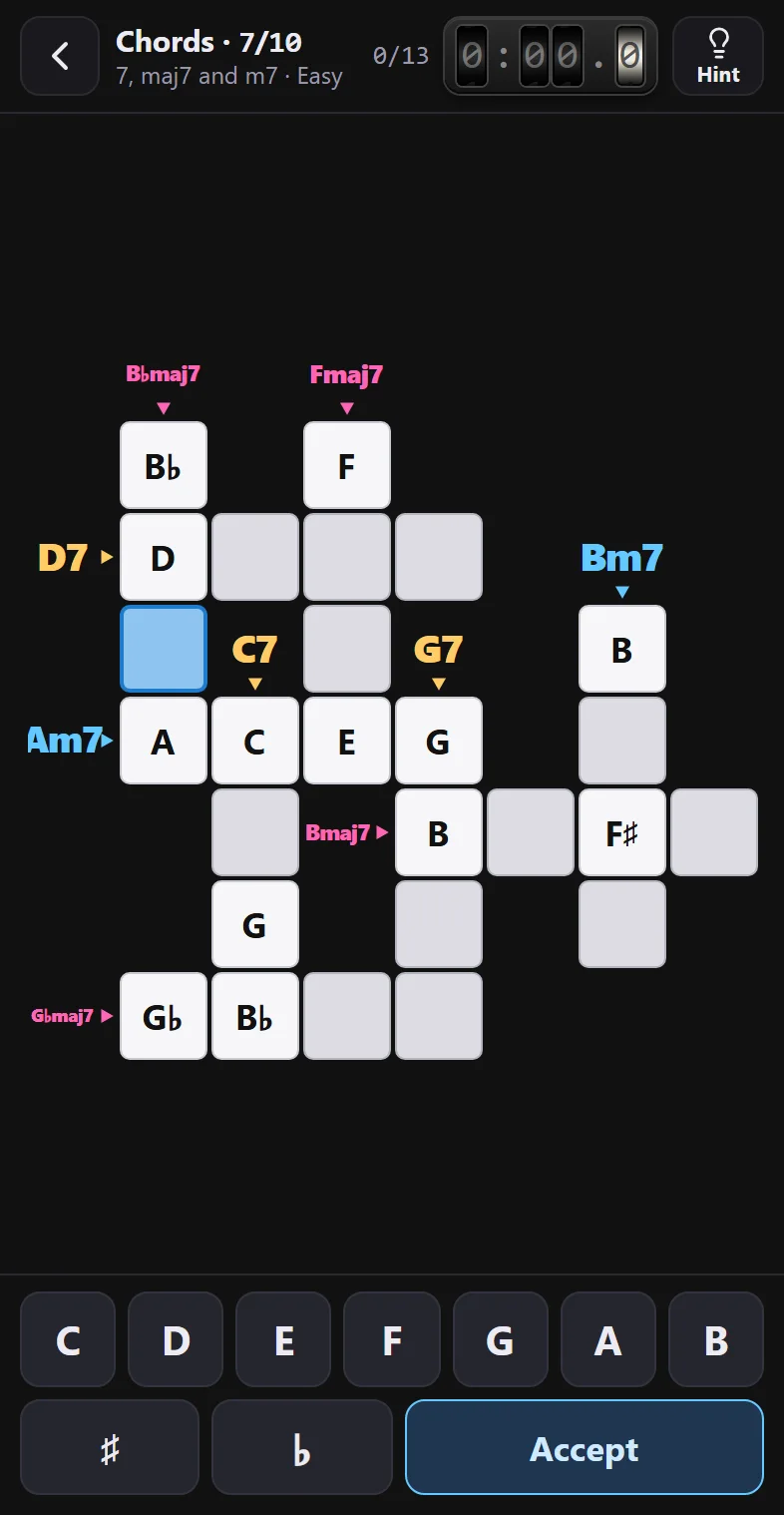
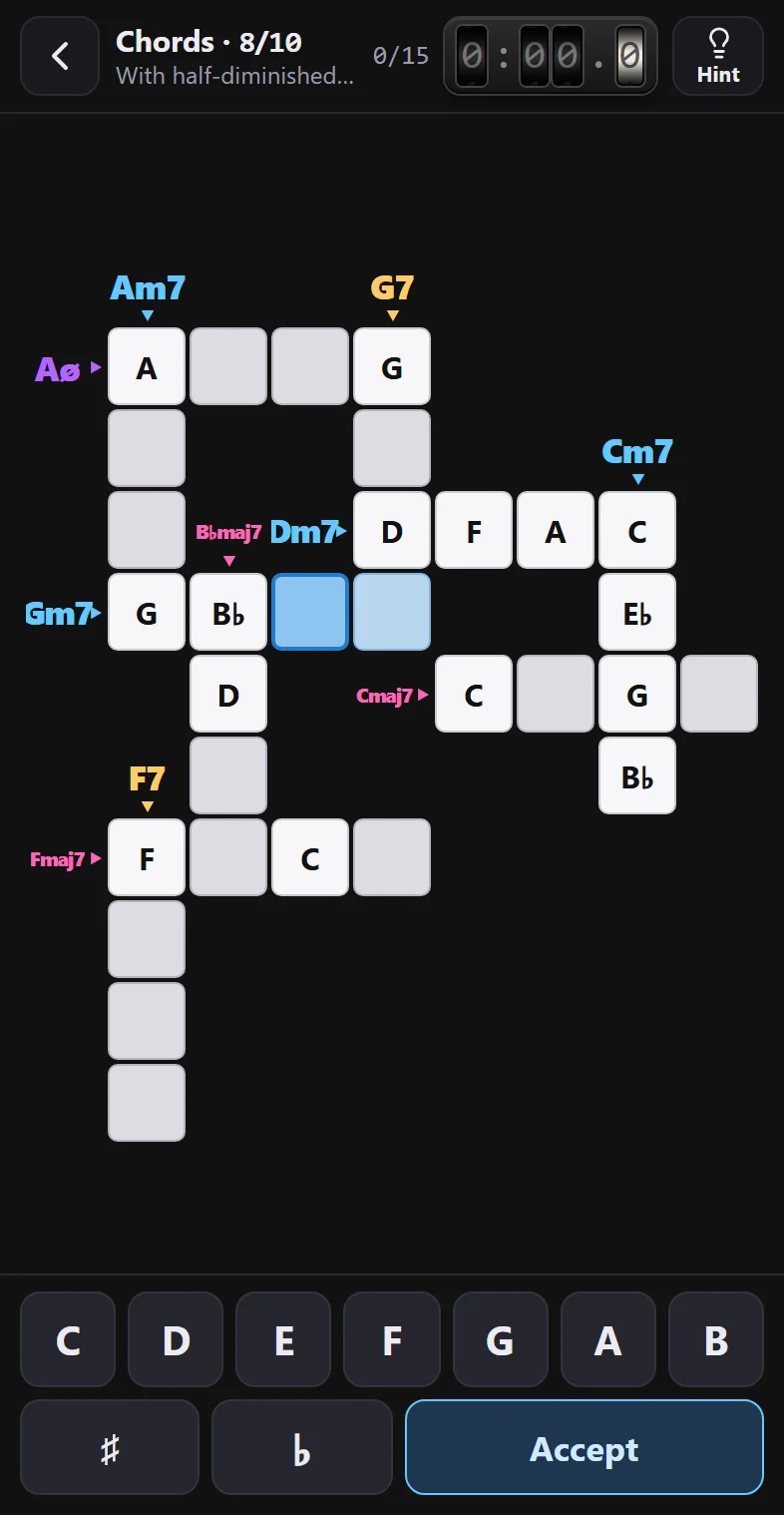
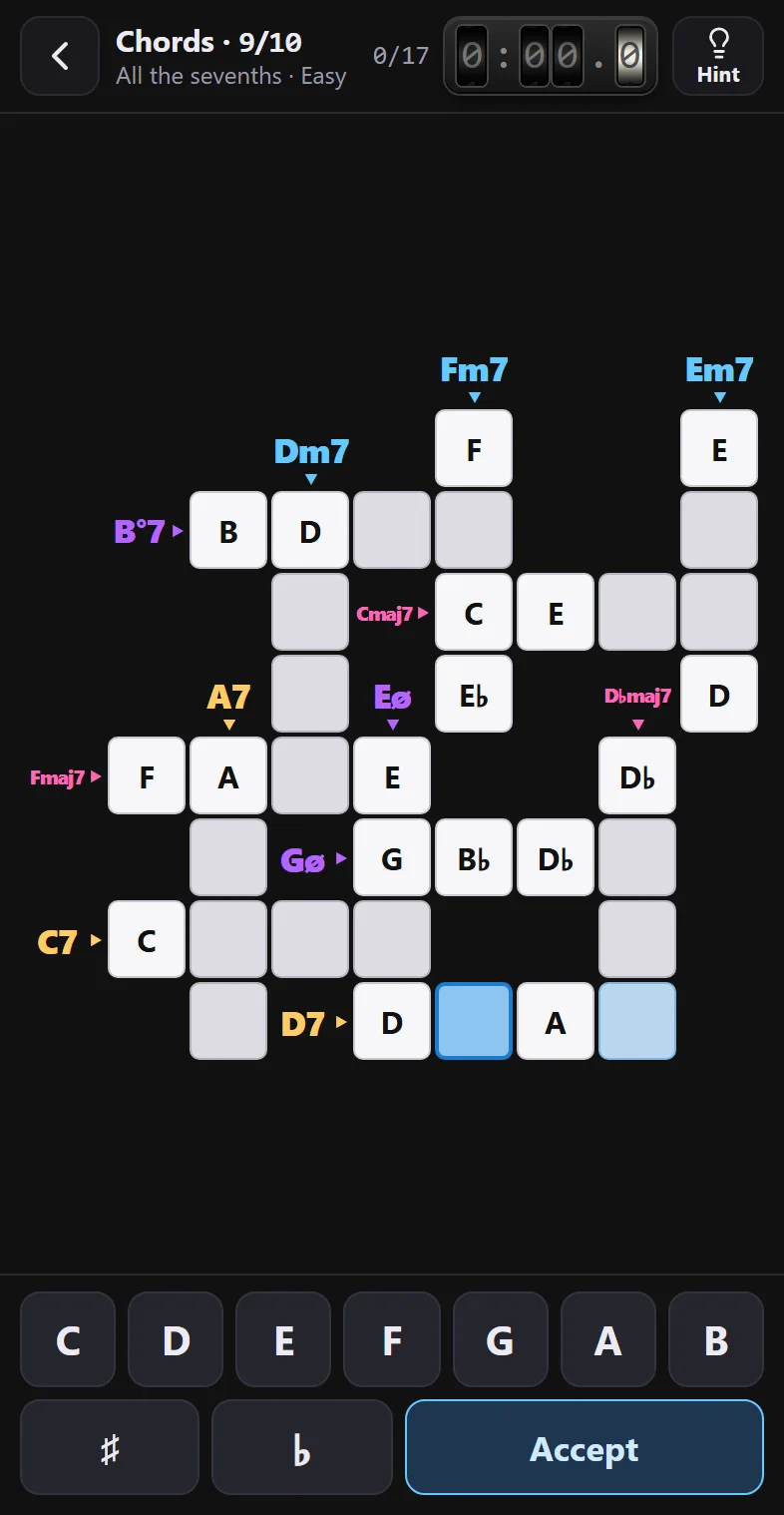
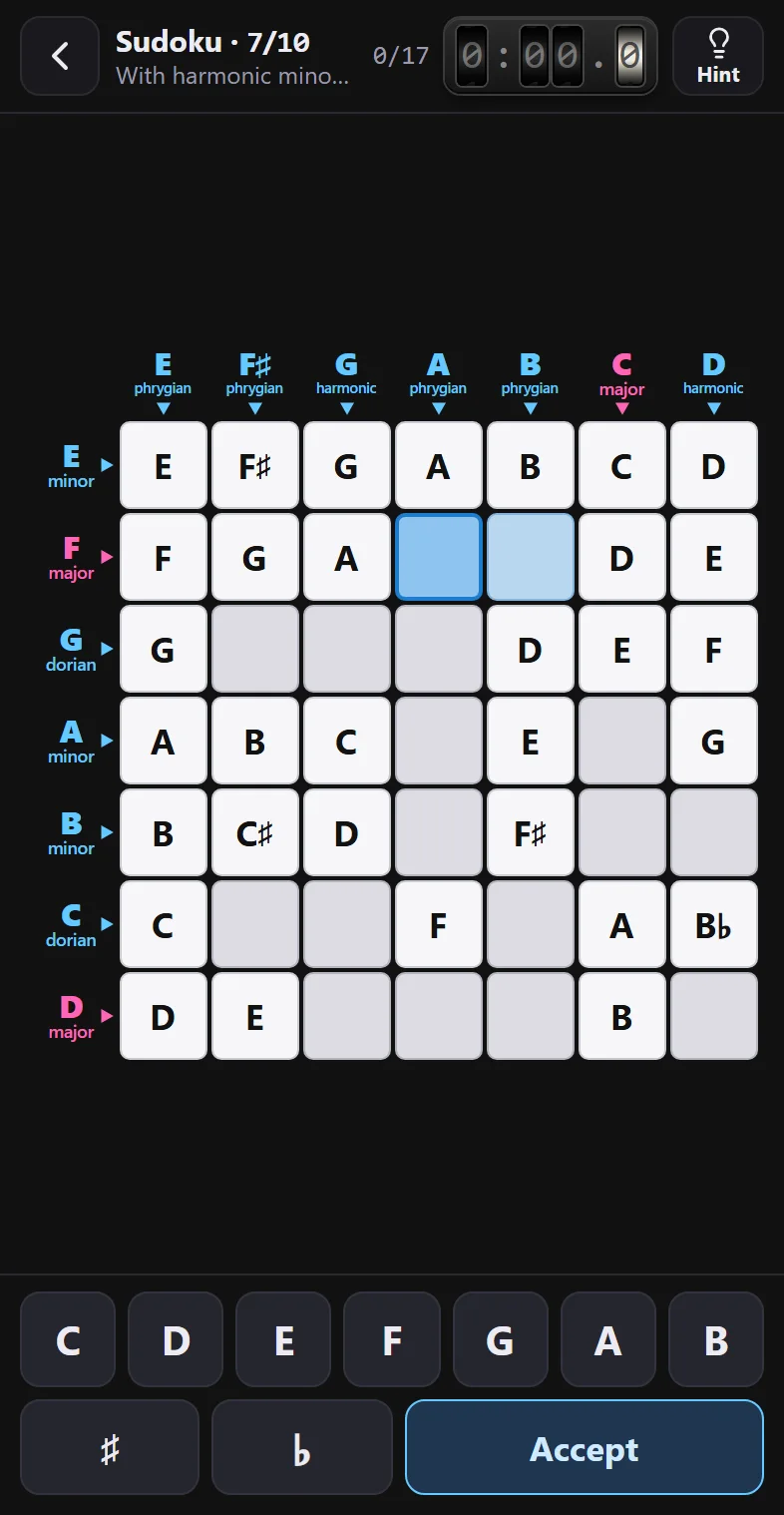
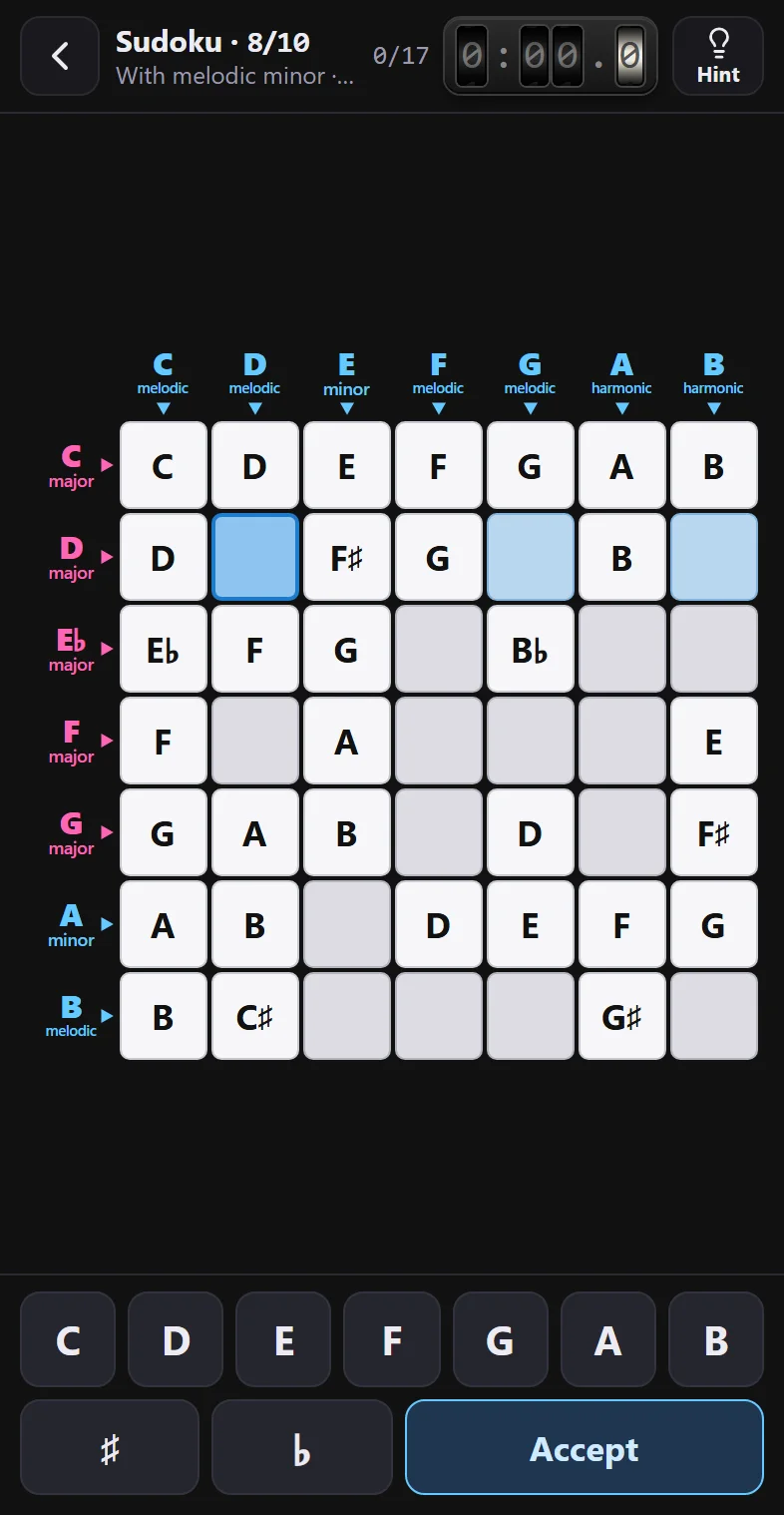
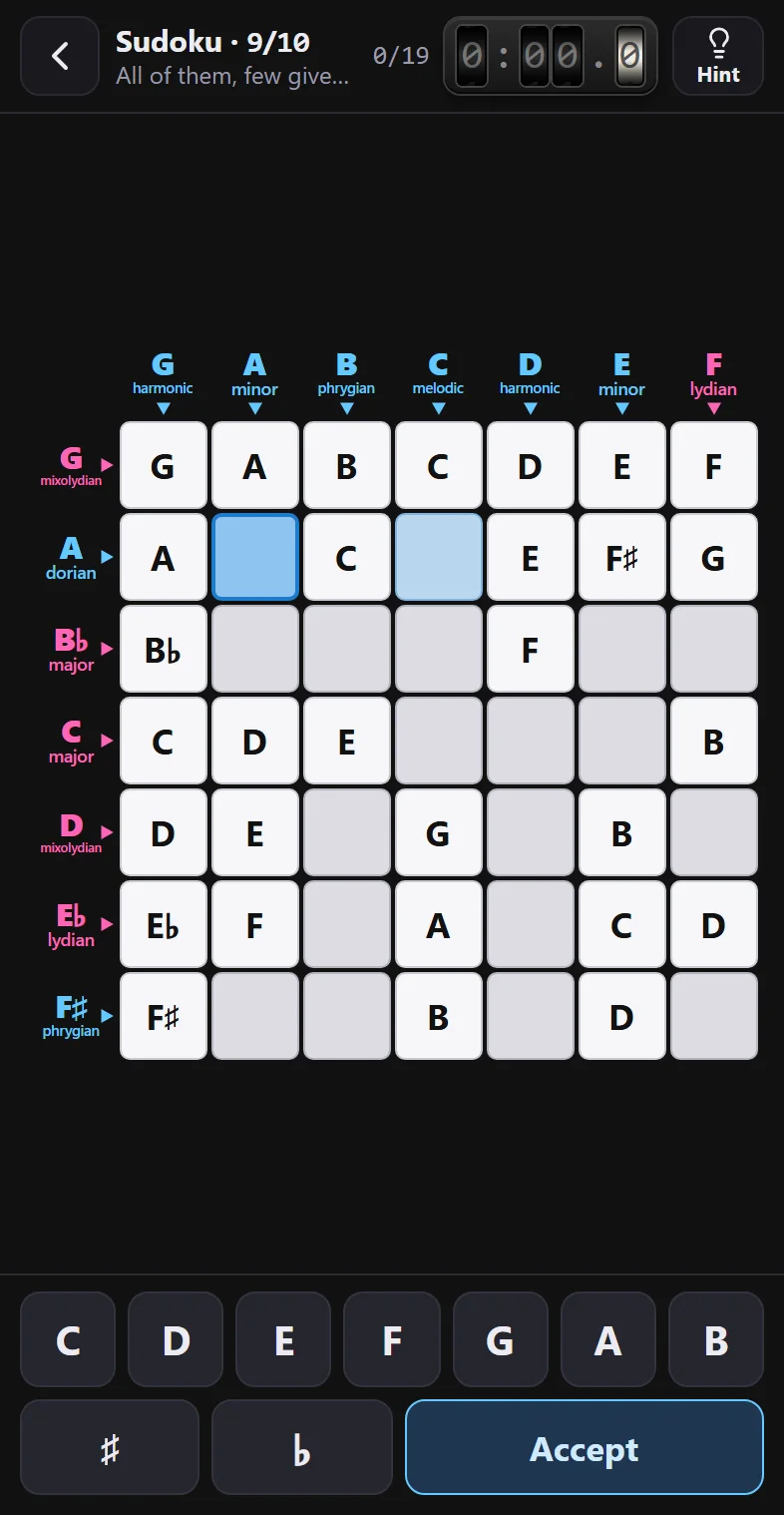
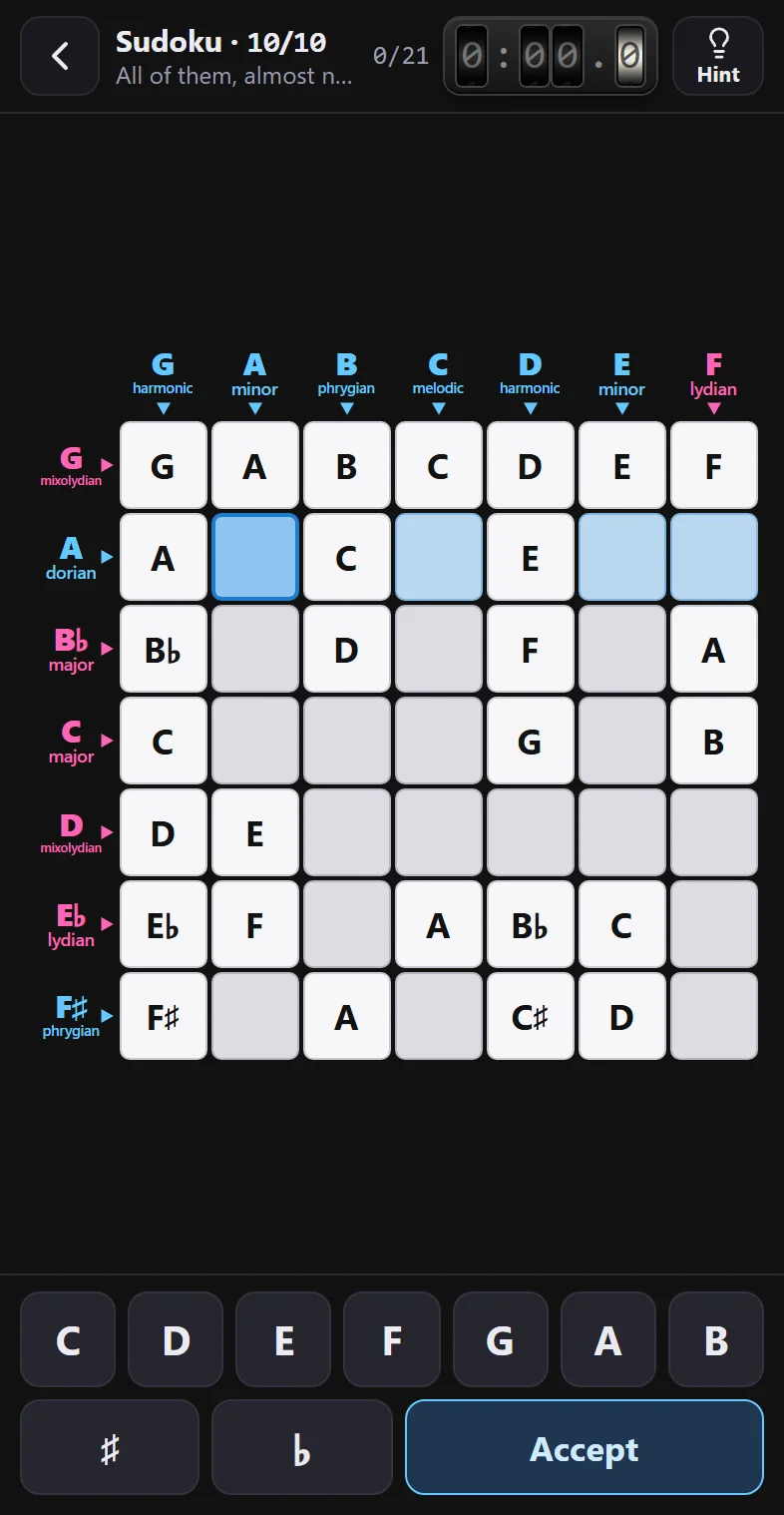
Ten chord crosswords, ten scale crosswords and ten sudokus, always the same, just as you see them when you tap Play. Pick the difficulty, turn on the solution and tap any of them to see it full size.