One scale or arpeggio per bar
Major, minor and Mixolydian scales. Major, minor, diminished, augmented and dominant 7 arpeggios. Each section can be different.
 TOOLS
A script for the REAPER piano roll that puts a custom reference scale in the background of every bar.
Pick a few bars, type “G mixo” and the scale sits in the background, in every octave, so you can play or write over it without stepping outside. Arpeggios too: “Bb7”, “F#m”, “Ebm(b5)”.
Made for composing and practicing in the piano roll: you see which notes fit in each bar without leaving REAPER.
This is what the script addseach bar's scale, in the background
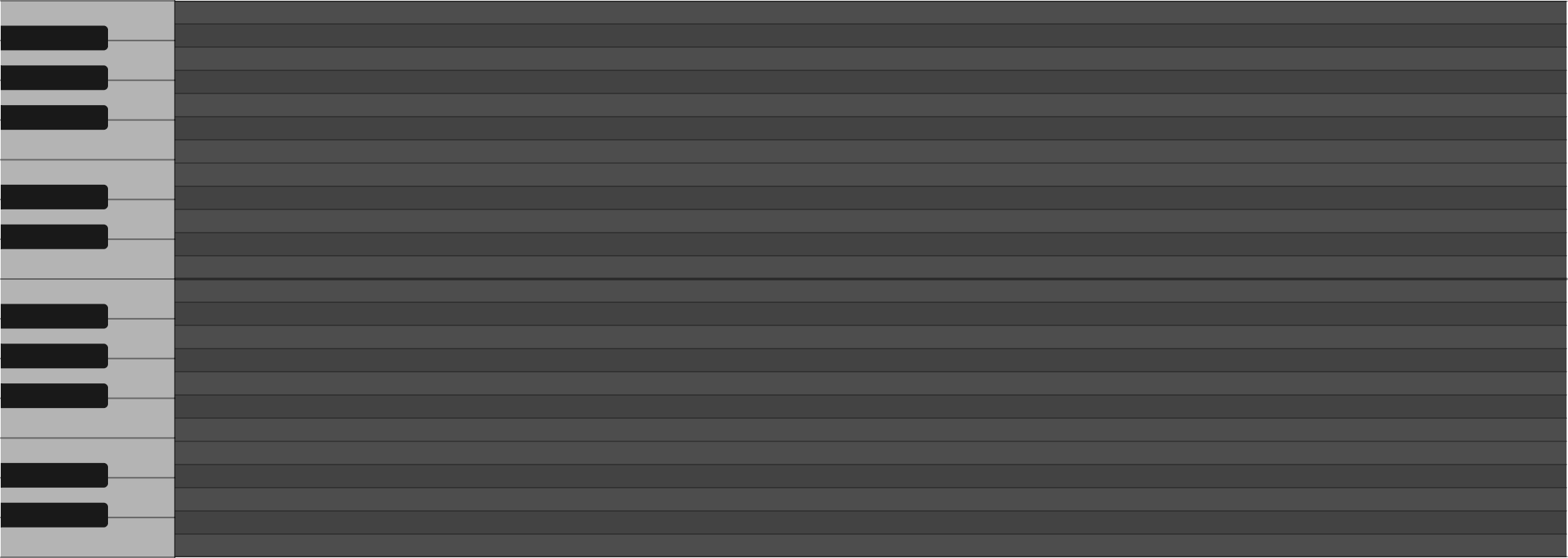
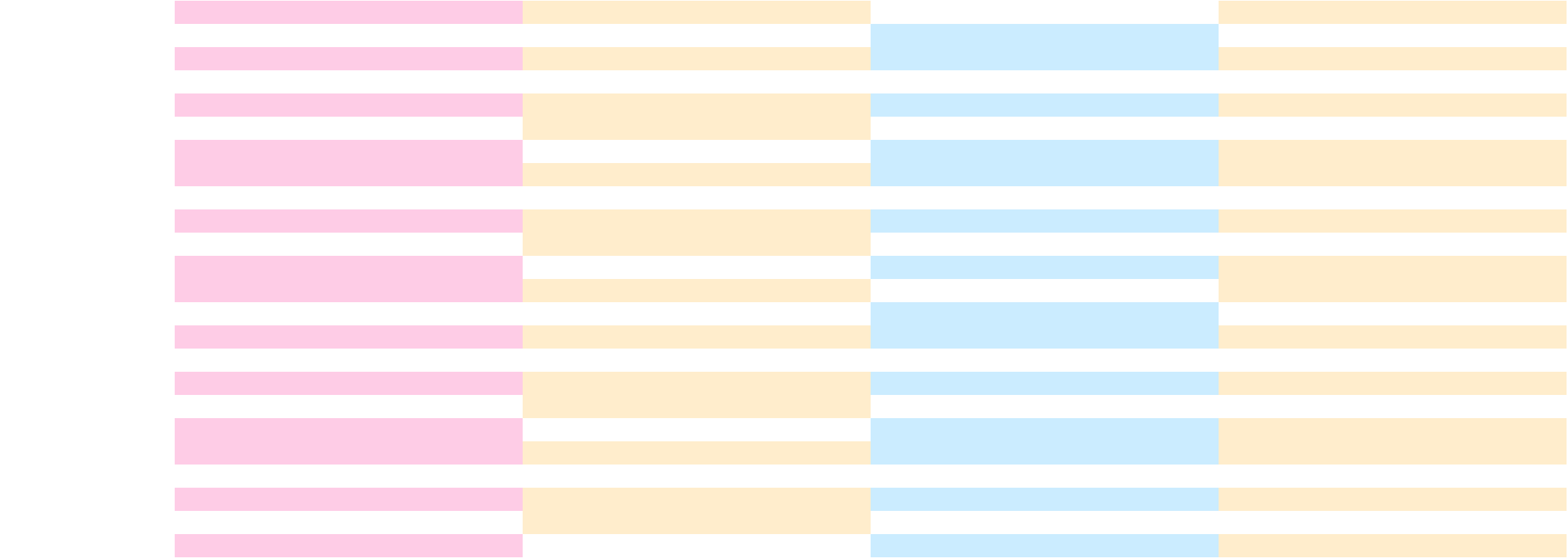
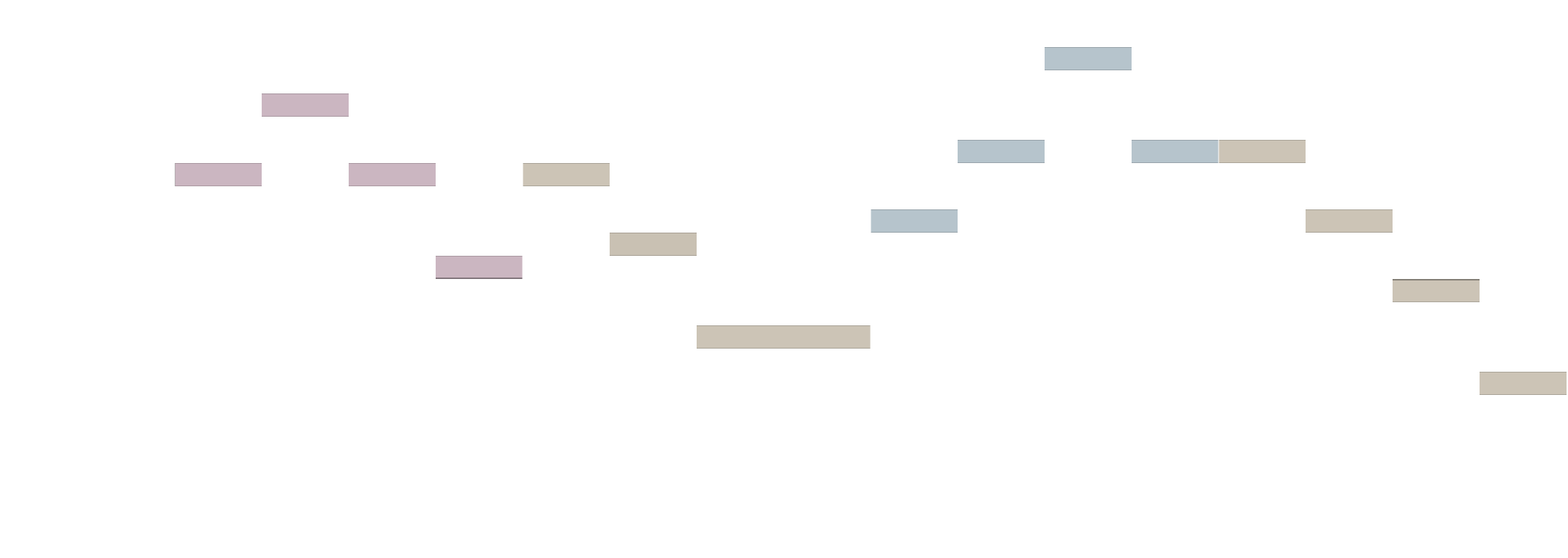
Major, minor and Mixolydian scales. Major, minor, diminished, augmented and dominant 7 arpeggios. Each section can be different.
The chord tones go on one MIDI channel and the rest on another: in the piano roll they show up in two colors.
A track called “Escalas (nombres)” shows the key and scale of each section: “G mixolidia”, “Bb7 (arpegio)”.
The background goes on its own track, “Escalas (fondo)”, muted. One MIDI item per section.
Chord symbols or Spanish solfège: G mixo, Bb7, F#m, Sol menor, Sib mayor, Re bemol. Or with the mouse: note, b or #, and the scale.
Applying it again to the same bars replaces it; “Quitar fondo” removes it. Nothing touches your notes.

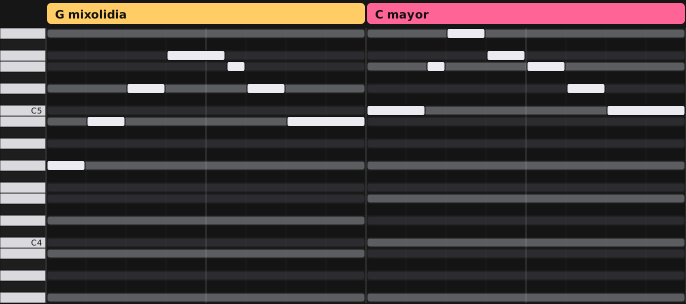
The items on both tracks are colored by quality, with the Brian Calli Music colors:
It's a .zip with a single file inside: the script. No extra software to install. It's for Brian Calli Music subscribers: log in with your account and click Download.
Right-click the .zip Extract All... → Extract
Double-click the .zip.
You get the file “Escala de fondo.lua”: that's the script.
Four steps, just once. In the drawings, what you click is marked in gold.
In REAPER, go toIn the menu bar at the top, go to Options → Show REAPER resource path in explorer/finder... The folder where REAPER keeps everything opens. It's usually C:\Users\(your username)\AppData\Roaming\REAPER~/Library/Application Support/REAPER.
Copy Escala de fondo.lua into the Scripts folder, which is inside that REAPER folder.
Open any MIDI item (double-click). With the piano roll in front: Actions → Show action list... At the top it has to say Section: MIDI Editor.
Click New action... → Load ReaScript... and choose Scripts\/Escala de fondo.lua.
One minute, just once: the button stays in the piano roll's top bar.
Open any MIDI item. Right-clickRight-click (or Control-click) any button on the piano roll's top bar and choose Insert action....
The action list opens: type escala de fondo, choose “Script: Escala de fondo.lua” and click Select/close. A new button with text on it shows up.
Right-clickRight-click (or Control-click) the new button Set tooltip/text icon... and type Esc. Now the bar shows Esc.
In the piano roll, Actions → Show action list... Choose “Script: Escala de fondo.lua” and, under Shortcuts for selected action, click Add... and press whatever key you want.
In the piano roll, drag along the ruler at the top to mark the bars (time selection). With no selection, it uses the bar where the cursor is.
Type the scale or arpeggio and hit Enter. The mouse works too: the note, b or #, and the scale or arpeggio button. The little window opens showing what's already in the background on those bars.
What you can type, right below.
Under your track you get “Escalas (nombres)” and “Escalas (fondo)”. Applying it again to the same bars replaces it, and “Quitar fondo” removes it. Everything can be undone with Ctrl+ZCmd+Z.
If you don't have ReaImGui, a text box opens instead of the little window. Type the same things and OK; to remove the background, type quitar.
| G mixo · Sol mixolidia | G Mixolydian scale |
| C mayor · Do mayor | C major scale |
| Re bemol mayor · Db mayor | Db major scale |
| A menor · La menor | A minor scale |
| Bb7 | Bb7 arpeggio (dominant) |
| Ebm(b5) · Eb dim | Eb diminished arpeggio |
| C+ · C aum | C augmented arpeggio |
| F#m arpegio | F#m arpeggio |
“Am” or “F#” on their own follow whatever you have selected (scale or arpeggio).
Seeing the harmony behind the notes isn't my idea. Cubase has done it with its Chord Track since 2012 (Steinberg, Cubase 7), Studio One since 2018 (PreSonus, version 4) and Logic Pro since 2024 (Apple, version 11). REAPER comes with “Key snap”, which marks a single scale for the whole editor, and there are free scripts that do the names part the other way around: they read your notes and write the chord on a track (for example “Generate Chord Track”, by Dagniele).
steinberg.net/cubase · presonus.com · apple.com/logic-pro · reaper.fm · Dagniele/ReaScripts
What I added: a different scale or arpeggio per bar inside REAPER, R 3 5 in one color and the rest in another, a track with the name of each section, the Brian Calli Music quality colors, and support for typing chord symbols or solfège in Spanish.
REAPER is a trademark of Cockos Incorporated: this pack is not made or endorsed by Cockos. ReaImGui and ReaPack are by Christian Fillion (cfillion), free and separate; the pack doesn't include them. The drawings of REAPER's screens are diagrams to show where to click.
Something not working, or got an idea? Message me on Instagram.
@briancalli.music